Why this matters
Speed starts with a verified SKU truth packet, not a longer prompt.
A reusable image matrix prevents teams from deciding the same views for every product.
Batch generation can move catalog, model, detail, and marketplace work forward in parallel.
Risk-based review keeps product identity, specifications, and factory capability accurate.
Export naming, dimensions, metadata, and listing context should be prepared before publication.
The useful metric is time per approved SKU, not the number of images generated.
Practical guide
Create one SKU truth packet before generating anything
The fastest image workflow begins outside the image tool. Build a compact source record for each SKU: product code, category, intended buyer, material, dimensions or size range, colors, construction, trims, hardware, print or embroidery method, logo placement, packaging, customization boundaries, and the person who can approve it. Add the clearest front, back, side, label, material, and detail references available. When a field is unknown, mark it for confirmation instead of letting a prompt or image imply an answer.
This packet prevents expensive ambiguity. A sales team may describe a jacket as waterproof while production has approved only a water-resistant fabric. A buyer reference may show a zipper, label, or accessory that is not part of the quotation. A generated image may improve symmetry while changing a real panel or pocket. Ayzelify can use product references to accelerate the visual work, but the SKU packet remains the authority. Every buyer image, listing description, specification, and customization note should point back to the same approved facts.
Define the image matrix once for each sales channel
Exporters lose time when every merchandiser decides image coverage from scratch. Create reusable matrices by destination. A buyer deck may need a hero, front, back, construction detail, customization example, and packaging view. An Alibaba listing may need a clean main image plus alternate angles, material proof, size or specification context, and a commercial-use view. A website may add model, lifestyle, and campaign crops. Assign one purpose to every slot so the team knows what question the image must answer.
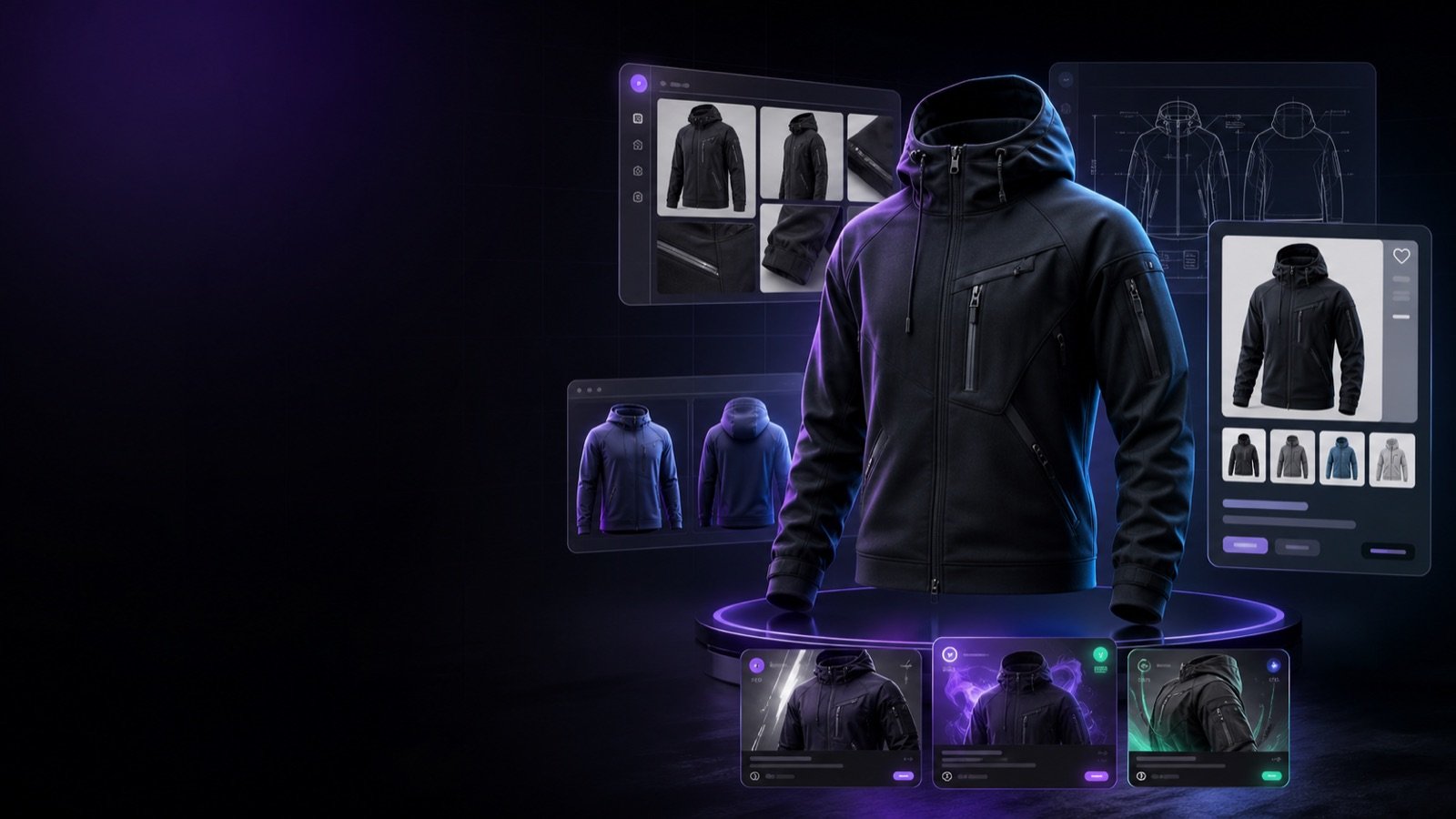
Build the inspection views before the aspirational views. The hero should identify the product clearly. Front, back, and side views should preserve structure and proportions. Detail crops should show real material, stitching, closure, print, embroidery, hardware, or labeling. Model and lifestyle assets can then add scale and context without replacing product proof. A fixed matrix also makes omissions visible: if a bag has no hardware detail or a jersey has no back view, the catalog owner can request the missing asset before a buyer has to ask.
Generate in batches without losing the product thread
Once the facts and view matrix are approved, production can move in batches. Group related SKUs by category, lighting direction, background, channel, or buyer campaign. Use the same naming structure and request the same core views before adding product-specific variations. In Ayzelify, uploaded references can support catalog, model, mannequin, lifestyle, and listing workflows around the same product context. That lets a team develop several commercial assets without rebuilding the brief for every isolated prompt.
Parallel work is useful only when dependencies are clear. Clean product and detail views should be reviewed before a large model or campaign batch, because those first outputs reveal whether the system is preserving the SKU. Listing copy can be drafted at the same time from the verified product facts, but it should not describe an unapproved visual variation. For a Sialkot sportswear exporter, one reviewed kit can become buyer-deck images, a model set, customization examples, and Alibaba listing drafts while production checks panel lines, sponsor zones, fabric direction, and decoration methods.
Use a risk-based accuracy gate
Not every defect carries the same business risk. Separate review into three levels. Product-critical errors change what the buyer may receive: silhouette, dimensions, component count, panel construction, material, logo, print, hardware, safety feature, or included accessory. Commercial errors change the offer: MOQ, certification, customization, packaging, lead time, or performance claim. Cosmetic errors affect presentation without changing the product, such as a minor background artifact. Reject critical errors immediately and route commercial questions to the responsible owner.
Give sales and production different review responsibilities. Sales checks whether the image and copy answer the buyer's request without promising unsupported options. Production checks whether the factory can source, construct, decorate, pack, and repeat what the image shows. For high-risk products, place the generated view beside the source at detail zoom. Keep a real-camera fallback for exact color, used-item condition, precision instruments, regulated products, texture claims, or construction that cannot be verified from generation. Faster approval is useful only when it protects buyer trust.
Prepare channel-ready files during approval
Do not approve an image and postpone all operational work. During review, assign a stable filename with SKU, view, color, and version; choose the correct raster format; confirm crop and dimensions; and write concise alt text or a caption from the verified product facts. Google Search Central recommends sharp images, relevant surrounding text, descriptive filenames, and useful alt text while balancing image quality with page speed. The same language should appear in the product title, specifications, image caption, and structured product data instead of creating conflicting identities.
Marketplace rules can change, so verify them at export time. Google Merchant Center currently recommends product images around 1500 by 1500 pixels or above for strong coverage and has announced a 500 by 500 minimum beginning January 31, 2027. It also requires generative-AI images to retain metadata that identifies their synthetic source. Do not claim that a file is ready because it looks correct in an app preview. Inspect the downloaded file, preserve required metadata, remove prohibited promotional overlays, confirm image URLs are crawlable, and ensure the product shown agrees with the feed and landing page.
Measure approved-SKU speed and improve the exceptions
Generation volume is a weak productivity metric. Track elapsed time from complete SKU packet to approved image bundle, first-pass approval rate, number of revisions, reasons for rejection, and the percentage of SKUs that still need a physical shoot. These numbers show whether the bottleneck is missing references, unclear customization, difficult materials, inconsistent generation, slow internal approval, or file preparation. They also prevent a team from calling the workflow fast when most of the output is unusable.
Review exceptions every week or production cycle. If reflective trim repeatedly changes, add a dedicated reference and mandatory detail check. If buyer decks wait for packaging images, add packaging to the intake packet. If model views are accurate only after the catalog view is approved, make that sequence standard. Ayzelify can shorten the path from product reference to catalog, buyer, and listing assets, but the durable advantage comes from the operating system around it: verified inputs, repeatable views, named owners, risk-based approval, and a clear escalation to sampling or real photography when product truth is uncertain.
Common questions
How can exporters create product images faster?
Start with one verified SKU packet and a repeatable image matrix. Generate clean product views first, add buyer or campaign variants second, and review only against documented product facts. This removes repeated briefing and reduces corrections caused by missing source information.
How do exporters keep AI product images accurate?
Use clear front, back, and detail references; define product-critical features; and require sales and production approval. Reject any image that changes shape, material, dimensions, construction, color, logo, print, hardware, packaging, or an included component.
Can exporters replace sample photography with AI images?
Not in every case. AI images can accelerate concepts, buyer previews, catalog planning, and many marketing assets, but final sample photography is still valuable when exact color, construction, condition, scale, certification, or another buyer-critical detail must be proved.
What should exporters check before sending AI images to marketplaces?
Check the marketplace's current image rules, required dimensions, crop, prohibited overlays, product-data consistency, and AI metadata requirements. Google Merchant Center currently requires generative-AI images to retain source metadata and recommends high-resolution product images; exporters should verify the final file rather than assuming the export preserves those requirements.