Can Ayzelify replace every product photoshoot?
Not always. It is strongest for fast concept, catalog, marketplace, and campaign image workflows, while final regulated or detail-critical products may still need human review or studio photography.
Feature page
Ayzelify creates product photos from uploaded garments or product references, helping teams produce listing and marketing visuals faster. Built for ecommerce sellers, factories, and apparel brands.
AI product photoshoot workflows in Ayzelify help ecommerce sellers, factories, and apparel brands turn product references into catalog, lifestyle, model, and marketplace visuals that can be reviewed before publishing.
Studio photography is expensive and slow when a catalog needs many angles, models, and backgrounds.
Ayzelify creates product photos from uploaded garments or product references, helping teams produce listing and marketing visuals faster.
Use a sharp image with the silhouette, color, material texture, construction, print, and branding visible. If an important detail is hidden, provide another angle instead of expecting the model to invent it correctly.
List the details that cannot change, such as logo placement, collar shape, panel lines, hardware, packaging, or colorway. This creates a practical review checklist for every generated option.
Catalog and marketplace images should make the product easy to inspect: clean framing, consistent scale, useful angles, and minimal visual distraction. Lifestyle, model, and campaign scenes can carry more emotion, but they should not replace the product-proof images a buyer needs.
Generate each image group for a defined channel. A marketplace main image, product-detail view, social ad, and editorial banner solve different jobs and should be reviewed against different criteria.
Check shape, proportion, color, texture, prints, labels, fasteners, and small construction details before deciding that an image is ready. Reject attractive images that introduce a different product.
For regulated, technical, or specification-sensitive items, use generated images as a planning or supporting asset and retain appropriate photography and human review for final product proof.
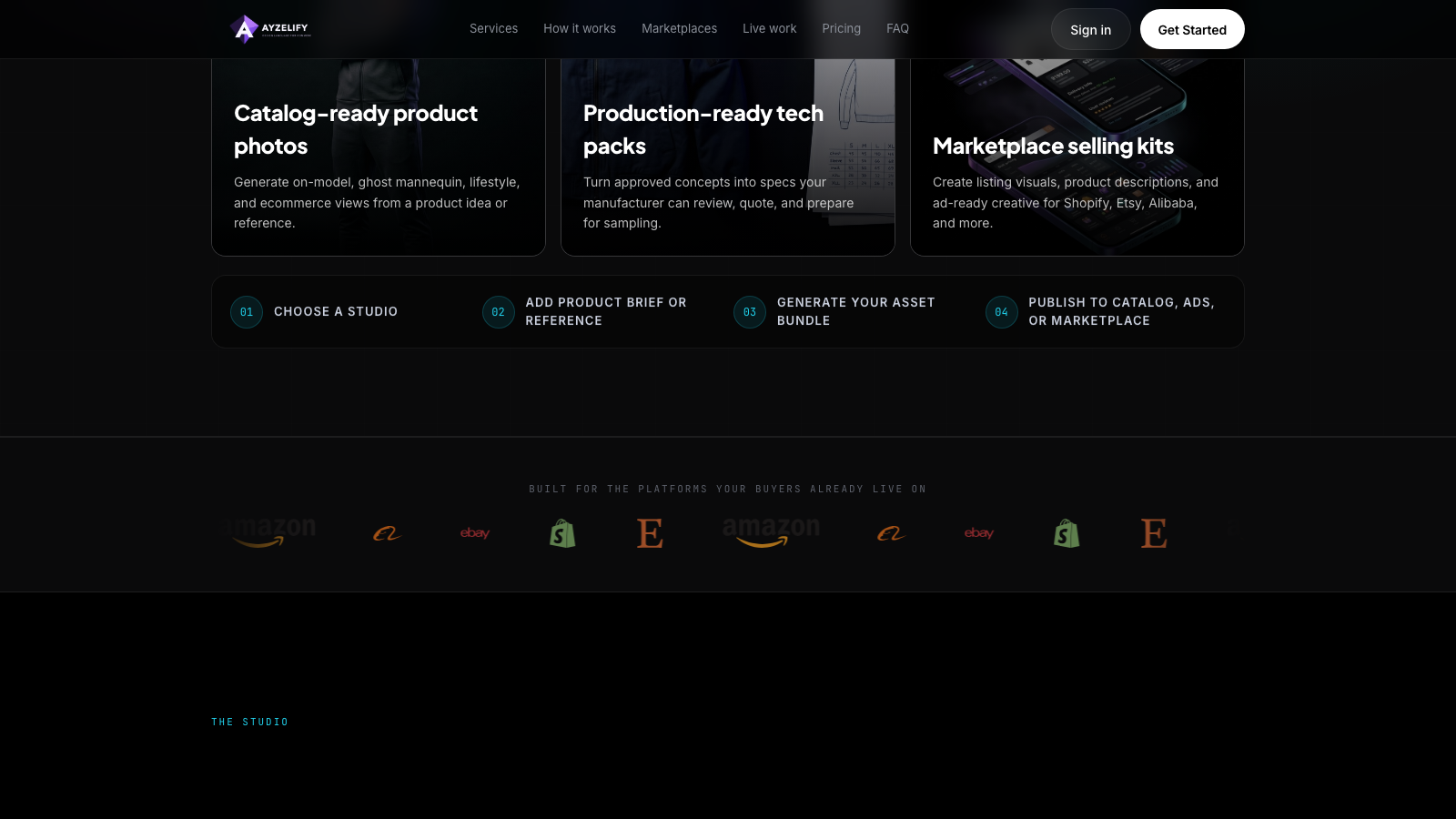
Turn a clear product reference into a coordinated image direction for catalogs, marketplaces, lifestyle content, and campaigns. Keep clean product views separate from expressive marketing scenes, and approve only images that preserve the real product.
Not always. It is strongest for fast concept, catalog, marketplace, and campaign image workflows, while final regulated or detail-critical products may still need human review or studio photography.
Use a clear product reference with visible shape, color, texture, print, and branding details. Better references usually produce more useful results.
Yes. Ayzelify workflows can use uploaded product references or brand inputs to generate product-focused visuals for review.
Yes. Exporters can create product visuals, listing copy drafts, and structured catalog inputs for marketplaces such as Alibaba and eBay.
Use Ayzelify to generate product visuals, ecommerce content, and buyer-ready assets, then review every output before publishing.