Can Ayzelify create Alibaba listing copy and product images together?
Yes. Ayzelify supports workflows that combine product visuals with listing copy drafts, so exporters can prepare a more complete Alibaba product page before publishing.
Feature page
Ayzelify helps manufacturers create product visuals and listing drafts for Alibaba catalog workflows. Built for Alibaba sellers and export manufacturers.
Ayzelify helps Alibaba sellers and export manufacturers prepare product images, titles, bullets, descriptions, and structured listing inputs for review before publishing.
Exporters need clear product images and listing copy that explains materials, customization, MOQ context, and buyer value.
Ayzelify helps manufacturers create product visuals and listing drafts for Alibaba catalog workflows.
Collect the exact product category, material composition, available sizes, customization methods, packaging options, MOQ context, lead-time guidance, and target buyer. Use confirmed factory facts only; leave certifications, test standards, and performance claims out unless your business can document them.
Add clear front, back, detail, label, and packaging references when available. These inputs help keep the visual set and listing copy aligned with the product a buyer can actually order.
A useful Alibaba draft needs more than a long description. Prepare a readable title, buyer-focused bullets, a factual product overview, customization context, and an image sequence that shows the product before decorative campaign scenes.
Review each variant as its own commercial item. Colors, sizes, materials, branding methods, and MOQ terms can change across variants and should not be copied blindly.
Use one reviewed listing as the reference structure for the product family. Then generate related drafts while preserving the facts that differ by SKU.
Before publishing, compare the draft against the factory specification and the current Alibaba category fields. Ayzelify accelerates preparation; the exporter remains responsible for the final marketplace record.
Prepare one complete Alibaba product draft from real factory inputs, review the images and commercial fields with your team, then reuse the approved structure across related SKUs. Ayzelify keeps product visuals and listing content in the same exporter workflow.
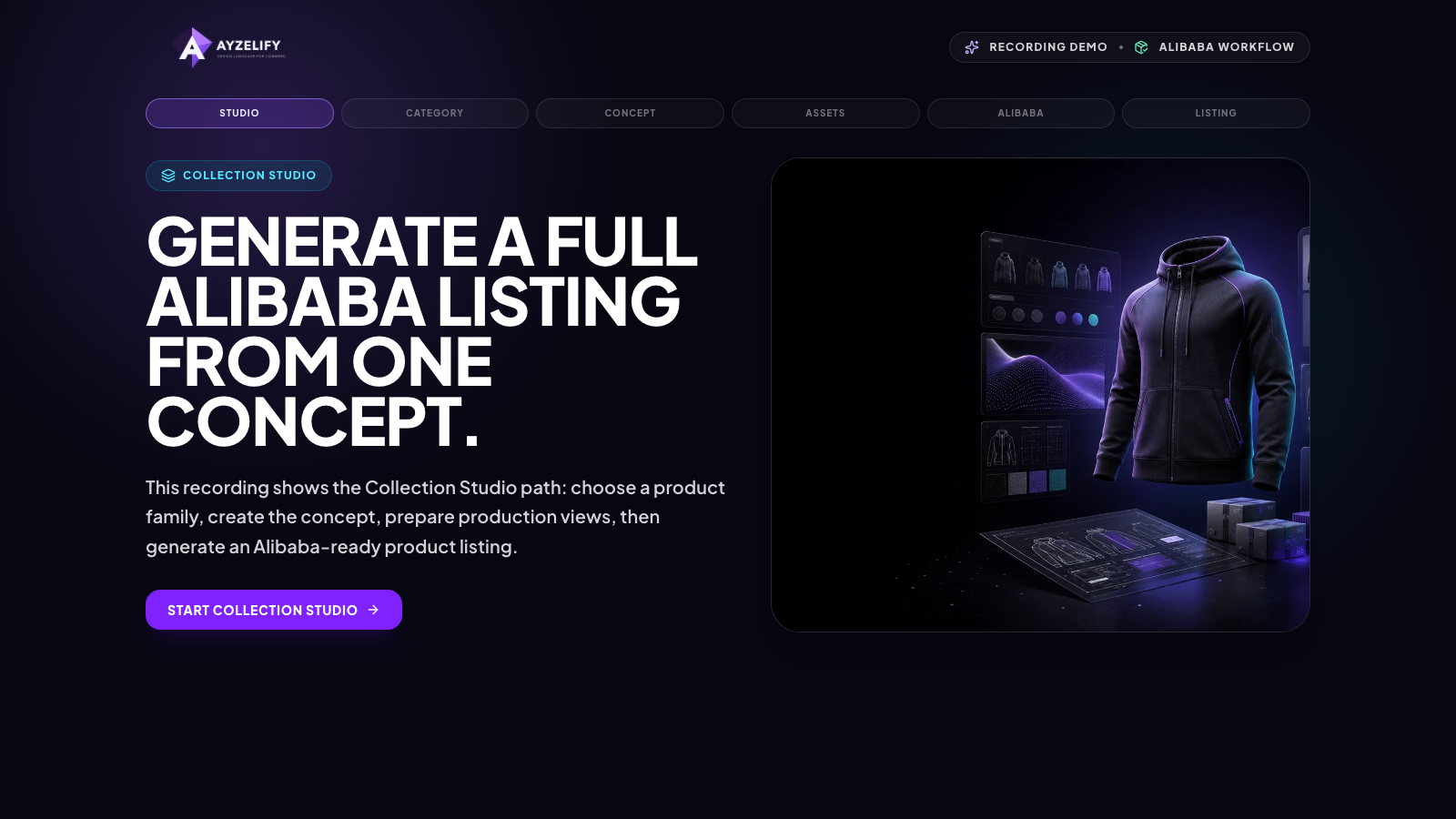
Yes. Ayzelify supports workflows that combine product visuals with listing copy drafts, so exporters can prepare a more complete Alibaba product page before publishing.
Yes. Materials, MOQ, certifications, dimensions, and customization claims should always be checked by the exporter before publishing.
Yes. Ayzelify workflows can use uploaded product references or brand inputs to generate product-focused visuals for review.
Yes. Exporters can create product visuals, listing copy drafts, and structured catalog inputs for marketplaces such as Alibaba and eBay.
Use Ayzelify to generate product visuals, ecommerce content, and buyer-ready assets, then review every output before publishing.