Case study page

Sialkot exporter buyer-ready catalog workflow

This workflow proof shows how a Sialkot exporter can organize product visuals, listing copy, and buyer presentation assets in Ayzelify before sharing a catalog direction.

Build export-ready visuals

Short answer

Use Ayzelify to turn product references into catalog visuals, marketplace drafts, and buyer-facing presentation assets, then review every claim, specification, and image before sending.

Why this matters

Many Sialkot exporters have real product capability but weak buyer-facing presentation. A buyer may need clearer images, customization examples, product-page copy, catalog structure, and sourcing answers before a conversation moves forward.

Ayzelify helps teams create a reviewable catalog workflow for sportswear, apparel, fightwear, leather, surgical, beauty, and equipment categories without pretending the AI output replaces factory proof.

The goal is a stronger preparation layer: useful visuals, organized copy, and internal review checkpoints before assets reach buyers, marketplaces, or a sales presentation.

Workflow

  1. Choose the product category and upload sample, reference, or concept images.
  2. Generate catalog visuals, detail views, and buyer presentation directions.
  3. Draft marketplace, product-page, or quotation-support copy around verified product facts.
  4. Review factory capability, customization options, specifications, and compliance-sensitive claims.
  5. Share only approved assets with buyers, marketplaces, or sales teams.

Outputs

  • buyer-ready catalog visual directions
  • product listing drafts
  • customization presentation assets
  • review checklist for export teams
  • marketplace and sales support copy

Product workflow fit

  • The workflow speaks to Sialkot exporter needs: product categories, customization, marketplace preparation, and buyer presentation.
  • Ayzelify can support multiple product lines without forcing teams into a generic image-only process.
  • Review checkpoints protect against unsupported capacity, certification, pricing, or delivery claims.
  • Sportswear exporter catalog refresh
  • Buyer presentation for a new product line
  • Marketplace listing preparation before sales outreach
  • Confirm material, size, customization, packing, MOQ, lead time, and production capability with the factory team.
  • Do not invent certifications, buyer names, export volumes, exact prices, or delivery promises.
  • Check that images represent products or options the business can actually make or supply.

Make exporter product capability easier for buyers to understand

Ayzelify helps Sialkot teams prepare clearer product visuals and copy, while keeping final product claims grounded in verified factory capability.
  1. Add product category and reference
  2. Generate catalog visual directions
  3. Draft buyer-facing copy
  4. Review factory-sensitive details
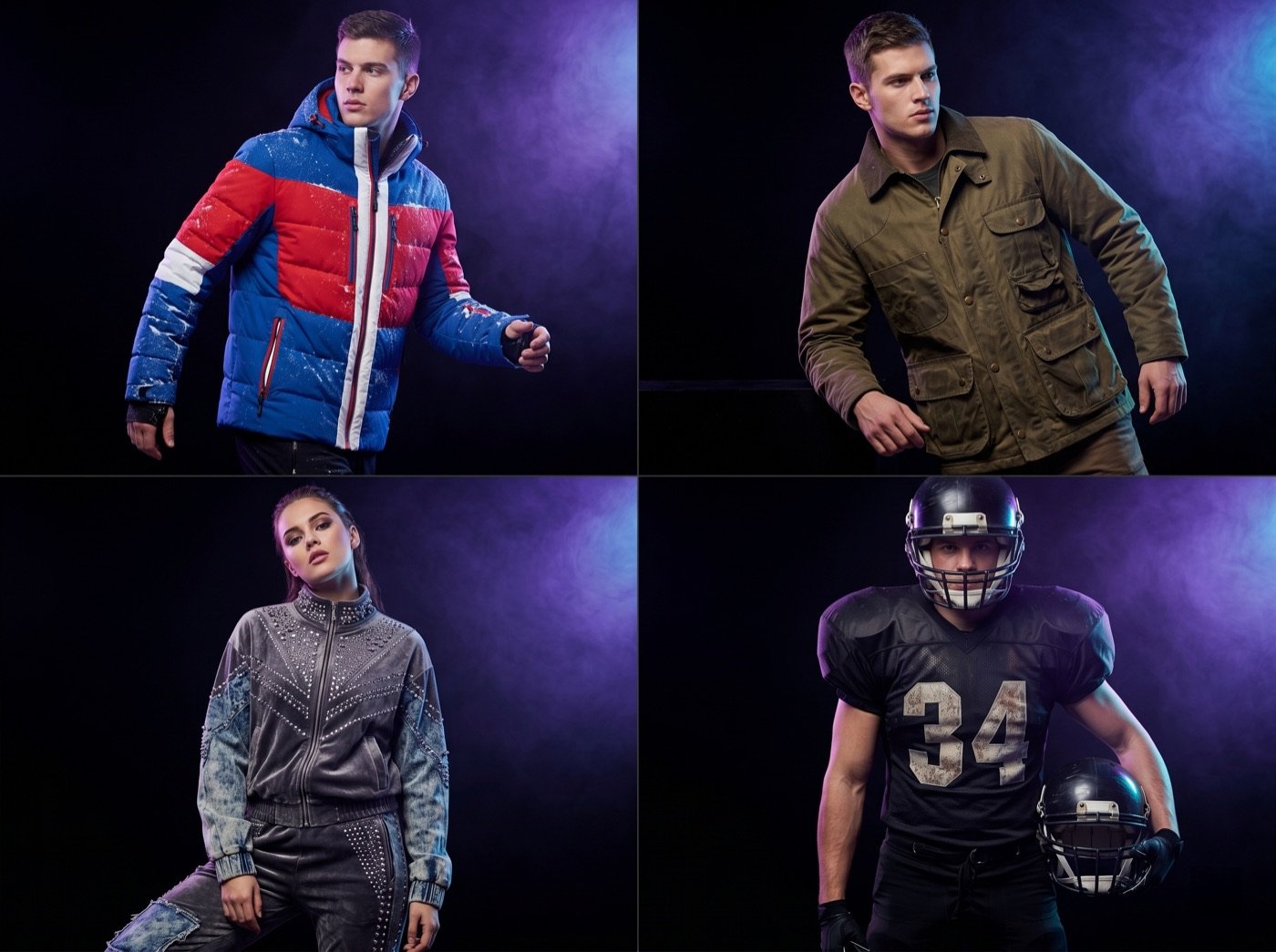
Ayzelify collection studio montage for exporter catalog visual planning
Exporter teams can turn product references into reviewed catalog, listing, and buyer presentation assets before outreach.

Common questions

Does Ayzelify verify exporter certifications or production capacity?

No. Exporter teams must verify certifications, capacity, materials, lead times, and buyer-facing claims before using generated assets.

Is this only for Sialkot sportswear exporters?

No. The workflow can support Sialkot apparel, sportswear, fightwear, leather, surgical, beauty, and equipment teams, as long as the product details are reviewed before sharing.

Can Ayzelify create product images from uploaded references?

Yes. Ayzelify workflows can use uploaded product references or brand inputs to generate product-focused visuals for review.

Can exporters use Ayzelify for marketplace listings?

Yes. Exporters can create product visuals, listing copy drafts, and structured catalog inputs for marketplaces such as Alibaba and eBay.

Create product assets with Ayzelify

Use Ayzelify to generate product visuals, ecommerce content, and buyer-ready assets, then review every output before publishing.

Build export-ready visuals