What is the most important apparel photo review step?
Check whether the generated image preserves the real garment. Color, fit, stitching, print placement, labels, trims, and fabric texture should match the actual product or approved design.
Resource page
Use this checklist before generating or approving apparel product images for Shopify, Etsy, WooCommerce, Alibaba, catalogs, or buyer decks.
A useful apparel gallery should show the product clearly, preserve real garment details, answer fit and construction questions, and separate clean catalog shots from model or lifestyle context.
Start with a clean reference photo where garment shape, color, print placement, trims, and construction details are visible. Weak references lead to weaker review outputs.
Build the gallery around buyer questions: what does the product look like, how is it constructed, what details matter, how does it fit, and what context helps the shopper decide?
Review each AI-generated image against the real product. Attractive images that change seams, prints, labels, length, color, or fabric texture should not be published.
Ayzelify gives apparel teams multiple photo directions; this checklist helps teams approve the images that match the real SKU.
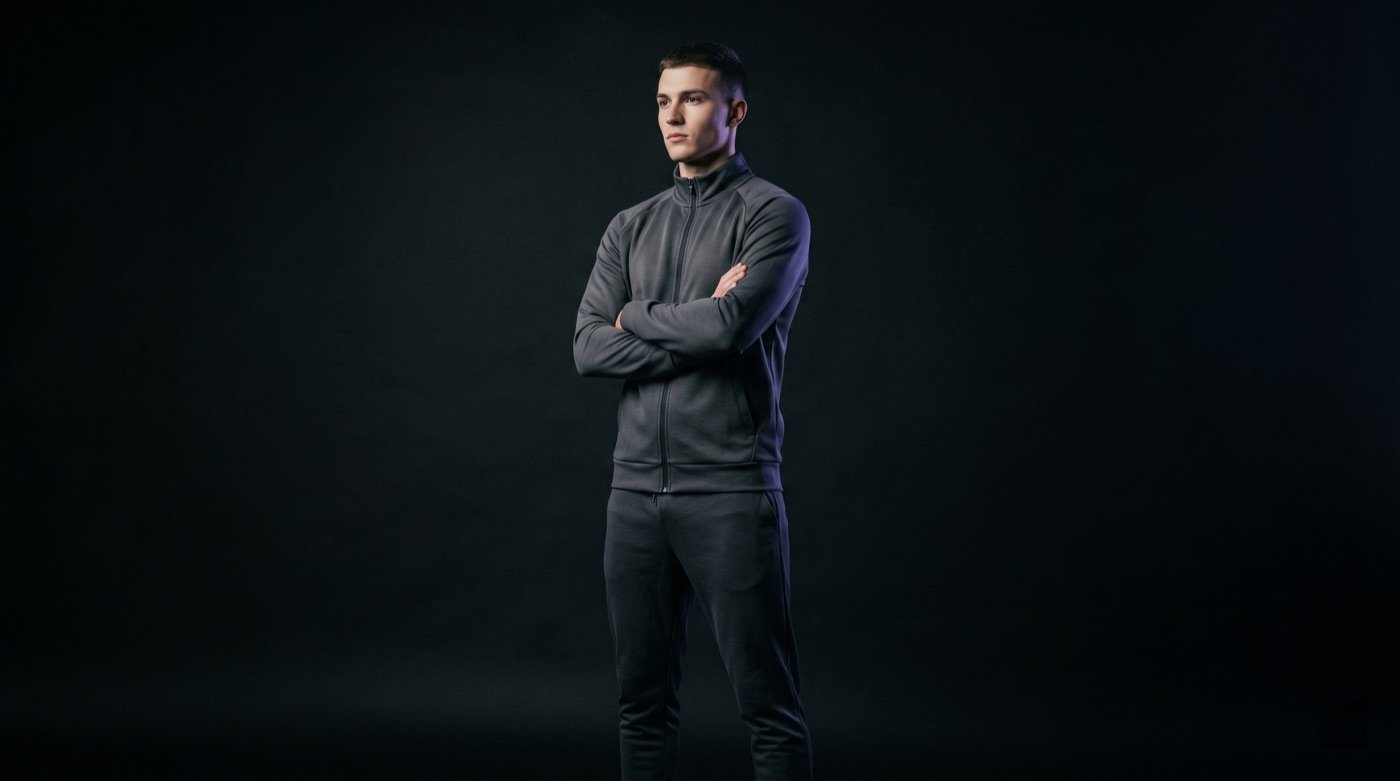
Check whether the generated image preserves the real garment. Color, fit, stitching, print placement, labels, trims, and fabric texture should match the actual product or approved design.
Usually no. Most galleries work better with a mix of clean product inspection images, detail closeups, and model or lifestyle context.
Yes. Ayzelify workflows can use uploaded product references or brand inputs to generate product-focused visuals for review.
Yes. Exporters can create product visuals, listing copy drafts, and structured catalog inputs for marketplaces such as Alibaba and eBay.
Use Ayzelify to generate product visuals, ecommerce content, and buyer-ready assets, then review every output before publishing.