Case study page

Ghost mannequin vs model photoshoot before and after

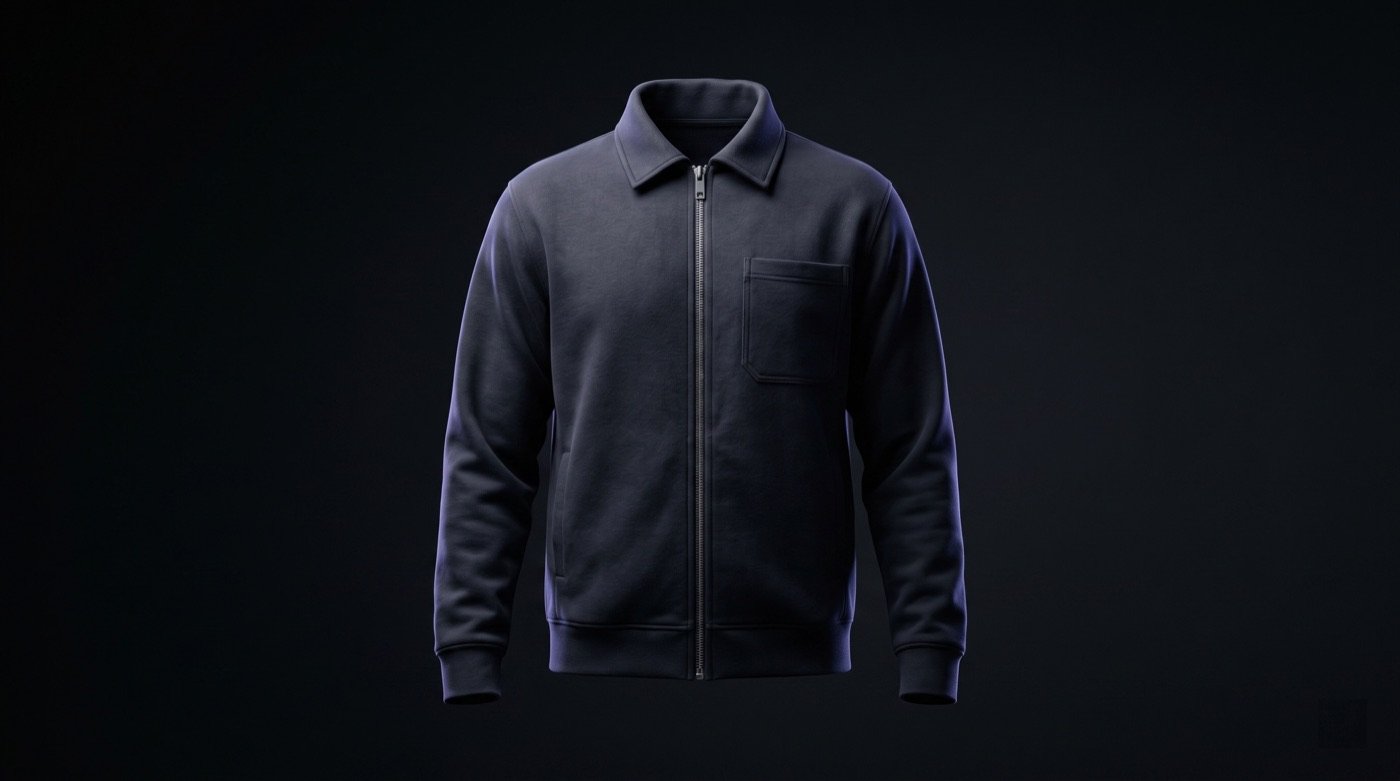
This workflow proof compares two common ecommerce directions: a clean ghost mannequin product image and a model photoshoot asset built from product references.

Generate product photos

Short answer

Use ghost mannequin images when shoppers need clean product inspection, use model photoshoots when they need fit and styling context, and review both for garment accuracy before publishing.

Why this matters

A clean catalog needs product inspection images. A selling page often also needs fit, styling, and lifestyle context. Treating those jobs as the same image can weaken the final gallery.

Ayzelify separates the workflow so teams can create ghost mannequin assets for shape and construction review, then model photoshoot assets for merchandising and campaign context.

The before-and-after value comes from better asset planning. The team still has to check fit, hem, neckline, sleeve length, print placement, fabric texture, and color before the images become storefront content.
Workflow

  1. Start with front and optional back garment references.
  2. Generate ghost mannequin output for clean ecommerce inspection.
  3. Generate model photoshoot options for fit, styling, and campaign context.
  4. Place the best outputs into a product gallery order: inspection first, context second.
  5. Reject any output that changes the garment structure or adds unsupported design details.

Outputs

  • ghost mannequin ecommerce image
  • model photoshoot product image
  • gallery sequencing direction
  • catalog review checklist
  • lifestyle and fit context options

Product workflow fit

  • Different image types solve different buying objections in an apparel product gallery.
  • Ayzelify supports both clean catalog imagery and on-model merchandising directions.
  • A review checklist helps prevent attractive but inaccurate images from reaching the storefront.
  • Shopify gallery refresh for an apparel SKU
  • Catalog cleanup before marketplace upload
  • Before-and-after review for brand presentation
  • Confirm the generated garment keeps the real neckline, sleeve length, hem, pocket, print, and trim details.
  • Check that the model photo does not change the SKU color, logo, or product construction.
  • Use ghost mannequin output for product inspection and model output for context, not as interchangeable proof.

Build a stronger apparel gallery from the same product reference

Ayzelify helps catalog teams create clean product inspection assets and model-context assets, then review which images belong in the final storefront gallery.

  1. Upload garment references
  2. Generate ghost mannequin view
  3. Generate model photoshoot view
  4. Review and sequence the gallery
Ayzelify ghost mannequin workflow proof for apparel ecommerce images
Ghost mannequin and model photoshoot assets answer different shopper questions inside the same product-gallery workflow.

Common questions

Should every apparel listing use both ghost mannequin and model photos?

Not always. Ghost mannequin images help with product inspection, while model photos help with fit and styling context. The best mix depends on the product, marketplace, and buyer expectations.

Can AI model photos replace all real fit checks?

No. Generated model photos should be reviewed as ecommerce visuals, not as final technical fit validation.

Can Ayzelify create product images from uploaded references?

Yes. Ayzelify workflows can use uploaded product references or brand inputs to generate product-focused visuals for review.

Can exporters use Ayzelify for marketplace listings?

Yes. Exporters can create product visuals, listing copy drafts, and structured catalog inputs for marketplaces such as Alibaba and eBay.

Create product assets with Ayzelify

Use Ayzelify to generate product visuals, ecommerce content, and buyer-ready assets, then review every output before publishing.

Generate product photos