Should I choose an AI model, real model, or saved mannequin?
Choose an AI model for speed and campaign variety, a real uploaded model for identity or fit continuity, and a saved mannequin for repeatable catalog consistency across many products.
Guide page
Virtual photoshoots are not one decision. Apparel sellers need to choose the right subject source before generating images: an AI model for speed and variety, a real uploaded model for brand or fit continuity, or a saved mannequin for repeatable catalog consistency. Each option has a different job. The wrong choice can make a gallery look inconsistent, misrepresent fit, or waste time reviewing images that should never become customer-facing assets. Ayzelify helps apparel teams choose the model source, preserve product references, and turn one garment direction into reviewable catalog, model, mannequin, listing, and campaign visuals.
Choose an AI model when you need fast campaign variety, a real uploaded model when brand identity or fit continuity matters, and a saved mannequin when repeatable catalog shape, lighting, and scene consistency matter most. For real-model and mannequin workflows, generate/review separate views carefully so the product, subject, background, camera angle, and garment details stay consistent across the set.
The model source should match the job: fast creative variety, brand continuity, fit context, or repeatable catalog consistency.
AI model mode is useful for quick visual exploration, campaign options, and category-specific pose testing when no specific model identity is required.
Real uploaded model mode is useful when a brand, founder, athlete, fit model, or creator identity should stay recognizable across product images.
Saved mannequin mode is useful when sellers need consistent product shape, lighting, background, and catalog presentation across many SKUs.
Every virtual photoshoot needs product-truth review: color, silhouette, logo placement, fabric behavior, trims, seams, fit, and available variants must match the real garment.
The first question is not which subject looks best. It is what the image needs to prove. A launch campaign may need energy and pose variety; a product page may need fit and scale; a wholesale catalog may need repeatable shape and clean comparison.
Once the job is clear, the model source becomes easier to choose. AI model, real model, and saved mannequin are not interchangeable. They answer different buyer questions.
AI model mode is useful when the team needs quick visual options: different pose families, styling directions, campaign moods, or category-specific lookbook shots. It is the fastest way to explore how a garment might sell across product pages, ads, and social content.
Use this mode when a specific person does not need to be preserved. The review focus should stay on the garment: color, logo placement, fabric, sleeve length, trim, and whether the pose still shows the product clearly.
A real uploaded model is the better choice when the same person should remain recognizable across the shoot: a founder, athlete, creator, fit model, or brand face. It helps the gallery feel less generic and can keep fit context consistent across products.
This choice needs stricter review. The person, body proportions, skin tone, styling direction, and product fit should remain coherent, and the team should only use references it has the right to use for the intended commercial context.
Saved mannequin mode is strongest when the product needs clean shape and repeatability across many SKUs. Catalog teams care about consistent lighting, camera height, floor contact, background, and garment presentation more than campaign personality.
For mannequin and real-model workflows, avoid judging one merged multi-view image as enough proof. Review each view separately so front, side, back, and detail outputs do not smear anatomy, garment panels, background, or product details across views.
A virtual photoshoot can look polished while still being commercially wrong. If the image changes the garment color, adds an unavailable trim, shifts the logo, changes sleeve length, alters fit, or invents a fabric behavior, it should be revised or treated as a concept.
For organic exposure, pair approved images with clear product copy, descriptive alt text, useful captions, and internal links to the related Ayzelify model, mannequin, UGC, product gallery, and listing workflows. Search systems and shoppers both need the same thing: accurate context around the visual asset.
Use Ayzelify to choose AI model, real uploaded model, or saved mannequin workflows for repeatable product shoots that support ecommerce galleries, listings, ads, and buyer presentations.
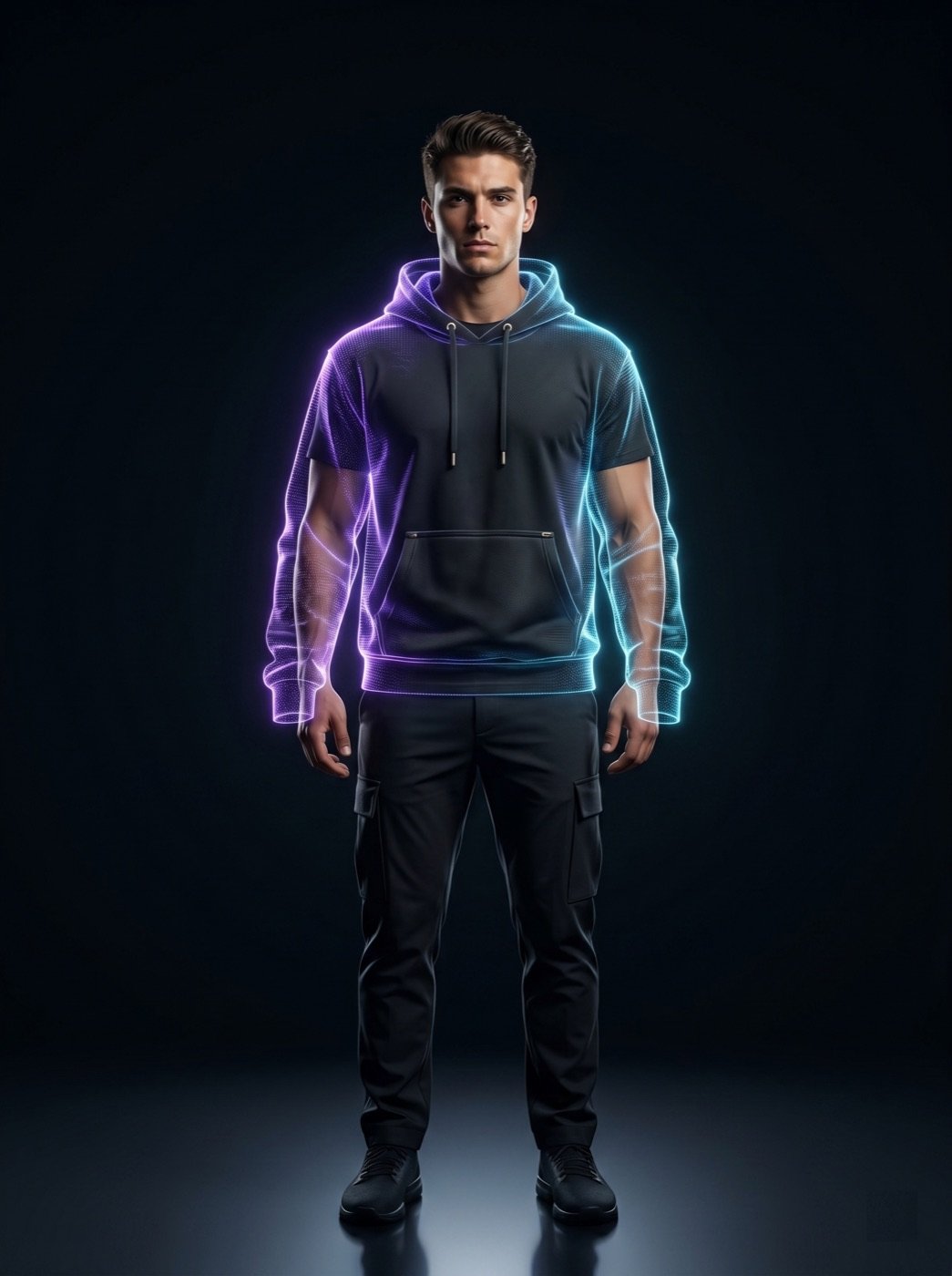
Choose an AI model for speed and campaign variety, a real uploaded model for identity or fit continuity, and a saved mannequin for repeatable catalog consistency across many products.
AI model mode is best when you need quick pose, styling, and campaign options and do not need to preserve a specific person, creator, athlete, or fit model.
Use a real uploaded model when the same person, body type, brand face, athlete, founder, or fit model should stay consistent across product visuals, subject to usage rights and review.
A saved mannequin is better when the buyer needs clean shape, repeatable lighting, consistent background, and product inspection across many SKUs without changing model styling.
Use Ayzelify to generate product visuals, ecommerce content, and buyer-ready assets, then review every output before publishing.