Do garment product pages still need catalog images?
Yes. UGC-style photos add context, but catalog images remain important because they let buyers inspect the garment clearly before judging styling or lifestyle fit.
Guide page
Catalog photos help buyers inspect the garment. They show color, silhouette, length, front and back views, trims, and construction without distraction. That clarity matters, but it does not answer every buyer question. A hoodie still needs to feel wearable in a drop, leggings need to make sense in movement, and a jacket may need outfit context before a shopper believes it belongs in daily use. UGC-style lifestyle photos fill that gap. Ayzelify helps clothing brands, manufacturers, Shopify sellers, and marketplace teams create reviewable lifestyle visuals from garment references, then use them alongside catalog images instead of replacing product-accuracy checks.
UGC-style garment photos are useful when catalog images show the product clearly but do not show styling, scale, movement, daily use, or campaign context. Use them after the core product views, review every image against the real garment, and keep catalog photos visible so buyers can still inspect exact color, fit, logo placement, seams, trims, and available variants.
Catalog images sell clarity because they make the garment easy to inspect. UGC-style lifestyle photos sell context because they show how the garment may live in outfits, activities, creator content, and campaign scenes.
A strong apparel gallery uses both: clean front, back, detail, and color views first, then lifestyle images that answer styling, scale, movement, and use-case questions.
Ayzelify's UGC photoshoot workflow helps teams turn garment references, campaign direction, audience notes, and product facts into reviewable lifestyle image options for PDPs, ads, emails, and social posts.
The review step is essential. Any image that changes the silhouette, fabric behavior, logo placement, seam structure, color, length, trims, or included accessories should be revised or treated as a concept instead of a product image.
For ecommerce exposure, pair useful visuals with descriptive alt text, clear product naming, structured product information, and internal links to relevant feature, guide, and answer pages. The image should help both shoppers and search systems understand the garment.
A catalog image should make the garment easy to inspect. It supports comparison, color checking, fit expectations, and product-detail review without asking the shopper to decode a campaign scene.
A UGC-style image answers a different question: can the buyer picture the garment in a real outfit, activity, mood, or social context? That is why the strongest apparel pages treat lifestyle images as context layers, not substitutes for clear product photography.
Garment buyers hesitate when they cannot picture scale, styling, movement, or real-use context. A flat or studio image can show the product accurately, but it may not show how a jacket balances with pants, how a cropped top sits in an outfit, or how activewear reads in motion.
Ayzelify's UGC photoshoot workflow is useful when the team already has a garment direction and needs more campaign options: creator-style frames, streetwear looks, gym scenes, travel context, casual daily wear, or launch-page visuals.
A better gallery is not just more images. It is a sequence that moves from inspection to confidence: hero product image, front view, back view, fabric or trim detail, color or variant view, then lifestyle and UGC-style scenes.
This order keeps the page honest. The buyer can inspect the garment first, then use lifestyle images to understand styling and use cases. For Shopify and other ecommerce storefronts, that also gives the team a clearer system for naming, alt text, and media reuse.
The main risk with lifestyle generation is not style quality; it is product drift. A scene can look convincing while quietly changing the garment's color, logo size, seam placement, pocket shape, sleeve length, or fabric texture.
Before publishing, compare every image with the real garment or sample. If the result shows unavailable trims, extra accessories, different colorways, or a misleading fit, revise it or keep it as a concept-board image instead of a customer-facing product asset.
Once a lifestyle direction passes review, it can support more than one page. The same approved garment visual can become a PDP slot, social post, ad test, email banner, wholesale lookbook frame, or creator-brief reference.
For organic exposure, keep the page copy and image metadata specific. Describe the garment, use case, and scene clearly. Connect the guide to relevant product photoshoot, UGC, catalog-refresh, and ghost-mannequin pages so shoppers and search systems can move from inspiration to the right Ayzelify workflow.
Ayzelify helps clothing brands, manufacturers, and ecommerce teams create UGC-style garment visuals for PDPs, social posts, ads, email campaigns, and buyer presentations while keeping product accuracy review visible.
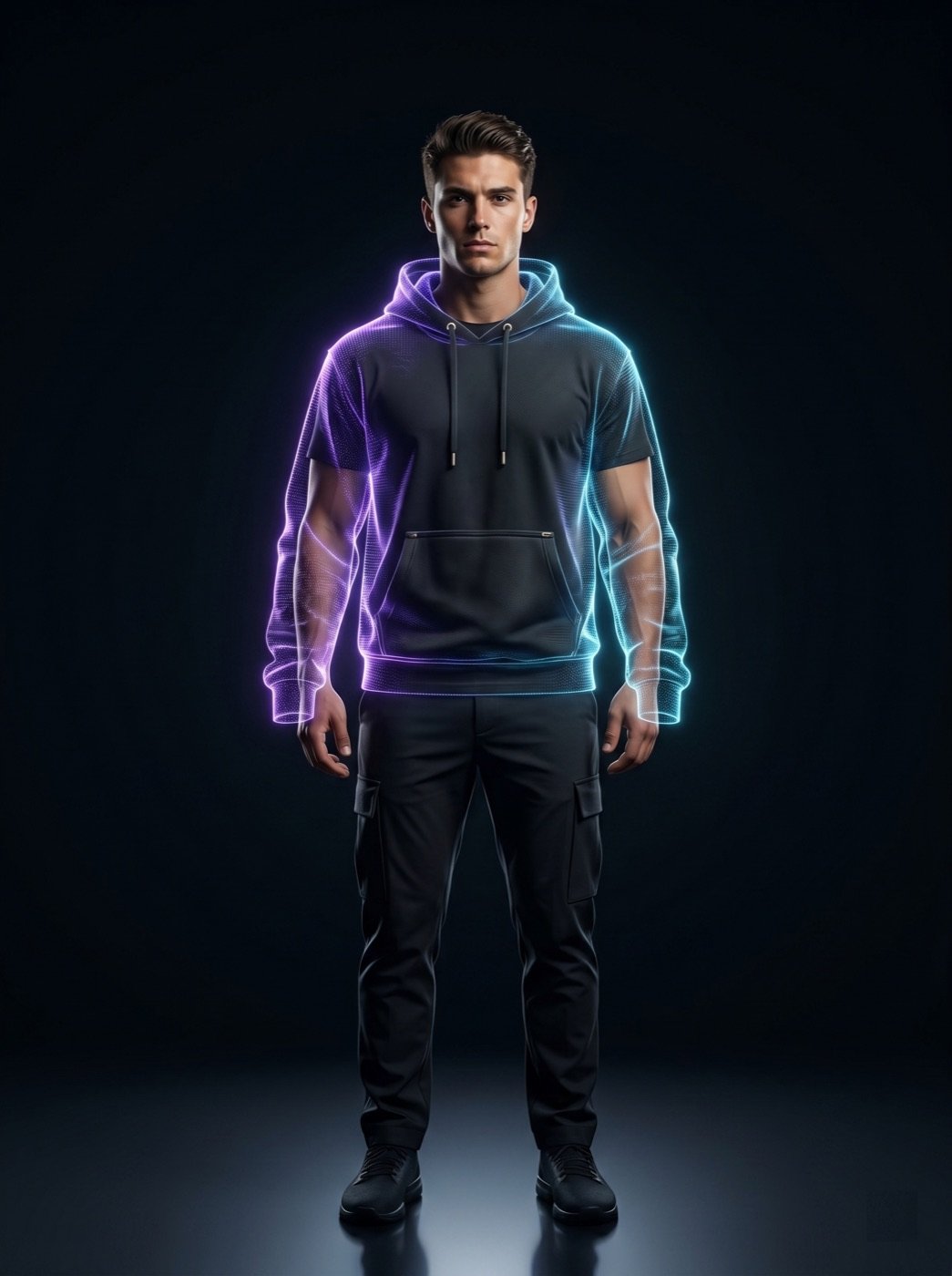
Yes. UGC-style photos add context, but catalog images remain important because they let buyers inspect the garment clearly before judging styling or lifestyle fit.
Place them after the core inspection images. A practical order is hero product image, front view, back view, detail or fabric view, color or variant view, then lifestyle and UGC-style context images.
Check the garment shape, color, fabric texture, fit, logo placement, seams, trims, sleeve and body length, closures, included accessories, and whether the scene could mislead buyers about the actual product.
They can support planning, product pages, social posts, and ad tests, but they should not be presented as real customer photos, influencer endorsements, or guaranteed physical shoot results unless those facts are true.
Use Ayzelify to generate product visuals, ecommerce content, and buyer-ready assets, then review every output before publishing.