Ayzelify home
Guide page
Apparel Master Guide: From Product Image to Commerce Assets
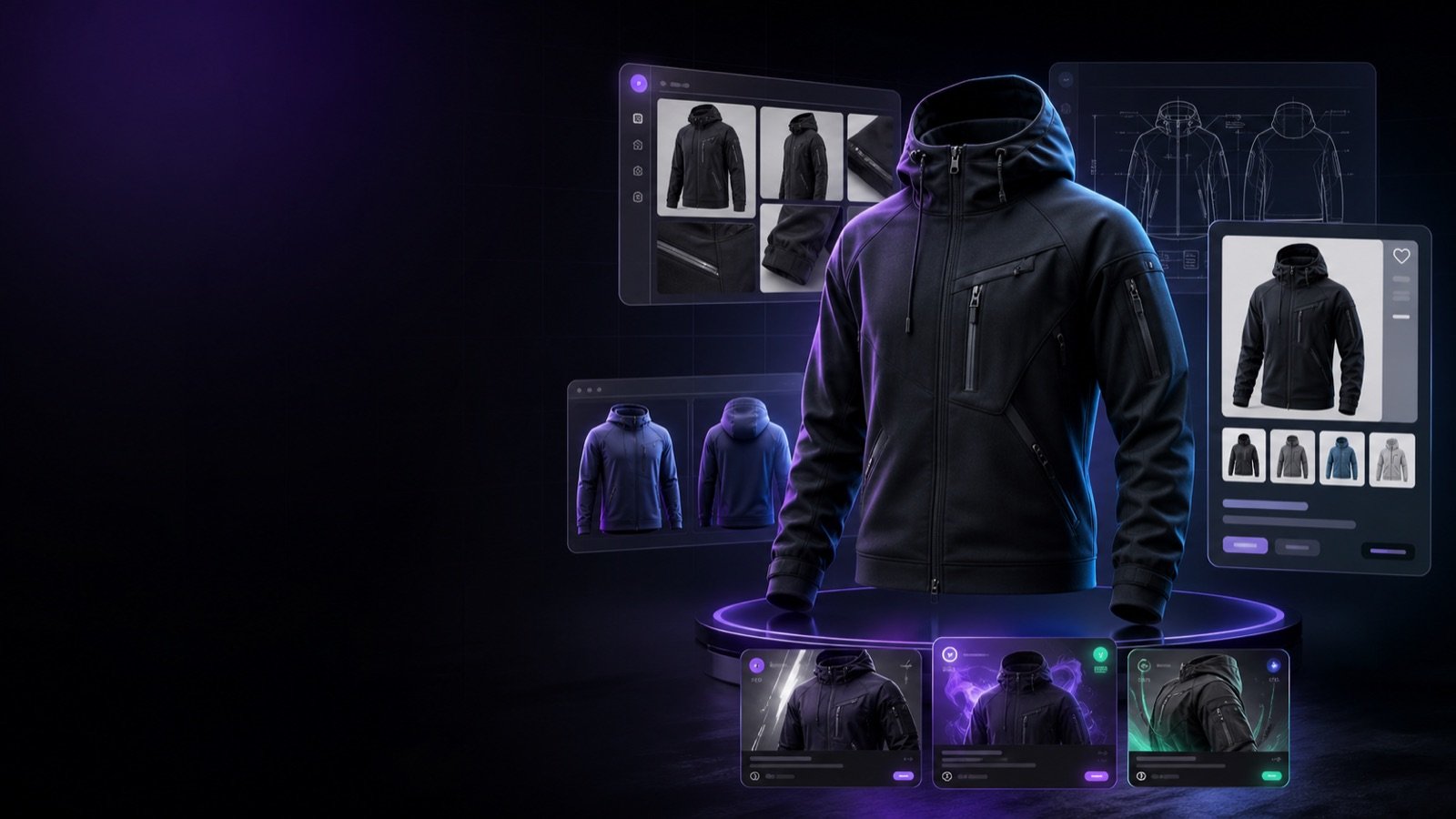
An apparel product image is often the starting point, not the finished launch package. A clothing brand, exporter, factory, or ecommerce seller may need product photos, ghost mannequin views, product descriptions, marketplace listing fields, tech-pack notes, size and material context, catalog images, social creative, and buyer presentation assets from the same approved product direction. Search and commerce systems reward consistency: Google Product structured data guidance explains that product pages can show richer information such as price, availability, shipping information, sizing, and return policy details when the visible page and markup support the same product facts. Google Merchant Center product data guidance also stresses that product images should accurately display the product, use accepted raster formats, avoid watermarks or promotional overlays, and not be placeholders. Etsy and Alibaba developer documentation show why marketplace handoff needs structured listing, image, inventory, shipping, and product-posting data rather than only a nice picture. Apparel Master is Ayzelify workflow for turning one product image into a reviewed commerce asset set while keeping human approval around product truth, claims, sizing, materials, price, and publishing readiness.
Create apparel commerce assets
Short answer
Apparel Master turns one approved apparel image into a commerce asset workflow: product visuals, listing copy, marketplace fields, tech-pack notes, catalog assets, launch creatives, and review checklists. The important rule is consistency: every generated image, title, description, size note, material claim, price, and structured-data field should describe the same real product before publication.
Why this matters
A product image should become a launch system: product views, catalog context, listing copy, technical notes, ads, social content, and buyer-ready handoff assets.
Apparel Master works best when the source image is already approved for product truth: garment type, silhouette, color, fabric direction, logo placement, trims, and visible construction details.
Commerce assets need structured facts, not only visuals. Titles, descriptions, attributes, sizing, shipping, inventory, price, and variant fields must match the real product.
SEO and GEO value comes from crawlable product pages, consistent alt text, Product structured data, image accessibility, internal links, FAQs, and fact-safe copy that answer engines can quote accurately.
Marketplace publishing should keep a human review gate so AI-assisted assets do not invent materials, certifications, delivery promises, prices, inventory, or production capability.
Practical guide
Start from one approved apparel image
The strongest Apparel Master workflow starts with a product image that the team already trusts. The garment category, silhouette, color, print placement, embroidery, label position, trims, and fabric direction should be clear enough for review.
If the source image is only a rough idea, treat the outputs as planning drafts. If it is an approved product image, the same visual truth can carry into gallery views, marketplace listing copy, catalog layouts, tech-pack notes, and launch creative.
This prevents a common ecommerce problem: one image shows one product, the title describes another, the size chart is generic, the ads overpromise, and the buyer lands on a page that does not match the creative.
Build the product gallery before writing the listing
Apparel buyers need more than one attractive angle. A practical commerce set usually needs a hero image, front view, back view, side view, fit or model context, ghost mannequin view, closeups for fabric and trims, and clear images for color or size variants.
Apparel Master should map those image jobs before the listing is written. The title, bullets, description, and attributes become stronger when they describe visible product details rather than vague style language.
For marketplace teams, this is also a review gate. The image order should support the buyer journey: identify the product quickly, inspect construction, understand customization, and confirm the product is the same item described in the listing fields.
Connect listing copy with product data
Product listings need structured facts: product name, category, materials, size range, color, variants, inventory, shipping profile, return context, customization options, MOQ, packaging, and lead time where relevant.
Google Product structured data and Merchant Center guidance both point to the same operating rule: product facts and images must be accurate, accessible, and consistent. A page should not show one price in visible copy, another in structured data, and a third in the marketplace export.
Ayzelify can draft the content, but the seller should approve every claim before publishing. That includes certification language, performance claims, sustainability wording, delivery windows, and any stock or price promise.
Turn the image into a technical handoff
A product page helps sell the garment, but a tech pack helps the team make and repeat it. Apparel Master should not stop at marketing copy when the same image can support construction notes, measurement expectations, BOM assumptions, decoration placement, trim notes, and QC checkpoints.
This is especially useful for exporters and factories. The buyer may approve a visual direction first, then ask for costing, sample details, size chart, packaging, and production feasibility. A connected workflow reduces repeated explanations across sales, merchandising, pattern, sampling, and production teams.
The final tech-pack output still needs human review. AI can organize the draft, but production teams must confirm measurements, fabric, trims, tolerances, stitching, artwork files, and testing requirements.
Prepare launch assets from the same source of truth
Once the product page and listing fields are aligned, the same source can support launch assets: catalog tile, collection banner, social caption, ad creative, email hero, buyer presentation slide, and wholesale inquiry copy.
This is where Apparel Master creates leverage. Instead of rewriting the product for every channel, the team reuses the approved facts and changes only the format, audience, CTA, and layout.
The review rule stays the same. Every launch asset should point back to a product page or marketplace draft that can support the image, offer, stock, price, shipping, and product claims shown in the creative.
Common questions
What is Apparel Master in Ayzelify?
Apparel Master is a workflow for apparel teams that need to turn a product image into connected commerce assets such as product visuals, listing copy, tech-pack direction, catalog content, launch creative, and review checklists.
Can one product image create a full ecommerce asset set?
Yes, one approved product image can support a larger asset set when the workflow keeps product truth consistent across gallery images, listing copy, tech-pack notes, variant fields, structured data, and marketing assets.
What should apparel teams review before publishing AI-assisted assets?
Review product accuracy, material and construction details, sizing, price, stock, shipping, claims, platform fields, alt text, structured data, and whether each image and description matches the real product.
Does Apparel Master replace a merchandiser or production team?
No. It helps organize and generate draft commerce assets, but final approval should come from people who know the garment, materials, pattern, costs, inventory, buyer terms, and marketplace rules.