Can Ayzelify make final sublimation production files?
This page focuses on concept and marketplace visual review. Final sublimation files should still go through technical artwork, pattern, scale, and factory production checks.
Case study page
This workflow proof shows how a combat-sports product idea can move from rashguard concept direction toward reviewable marketplace visuals in Ayzelify.
Define the BJJ rashguard style, colors, artwork, panel logic, and buyer use case, then generate concept, product, and marketplace visuals that are checked before production or publishing.
Fightwear visuals need more than a flat graphic. A rashguard concept has to communicate panel layout, sleeve graphics, compression fit, print placement, brand tone, and marketplace image clarity.
Ayzelify helps teams build a review set around the product idea: concept direction, product-facing images, detail callouts, and listing visuals that can be checked against real manufacturing capability.
This workflow is especially useful before sampling, but it is not a substitute for production artwork review, pattern checks, color approvals, or factory technical confirmation.
Ayzelify gives BJJ brands and suppliers a focused way to explore rashguard visuals, then review artwork, fit, and listing readiness before moving forward.
This page focuses on concept and marketplace visual review. Final sublimation files should still go through technical artwork, pattern, scale, and factory production checks.
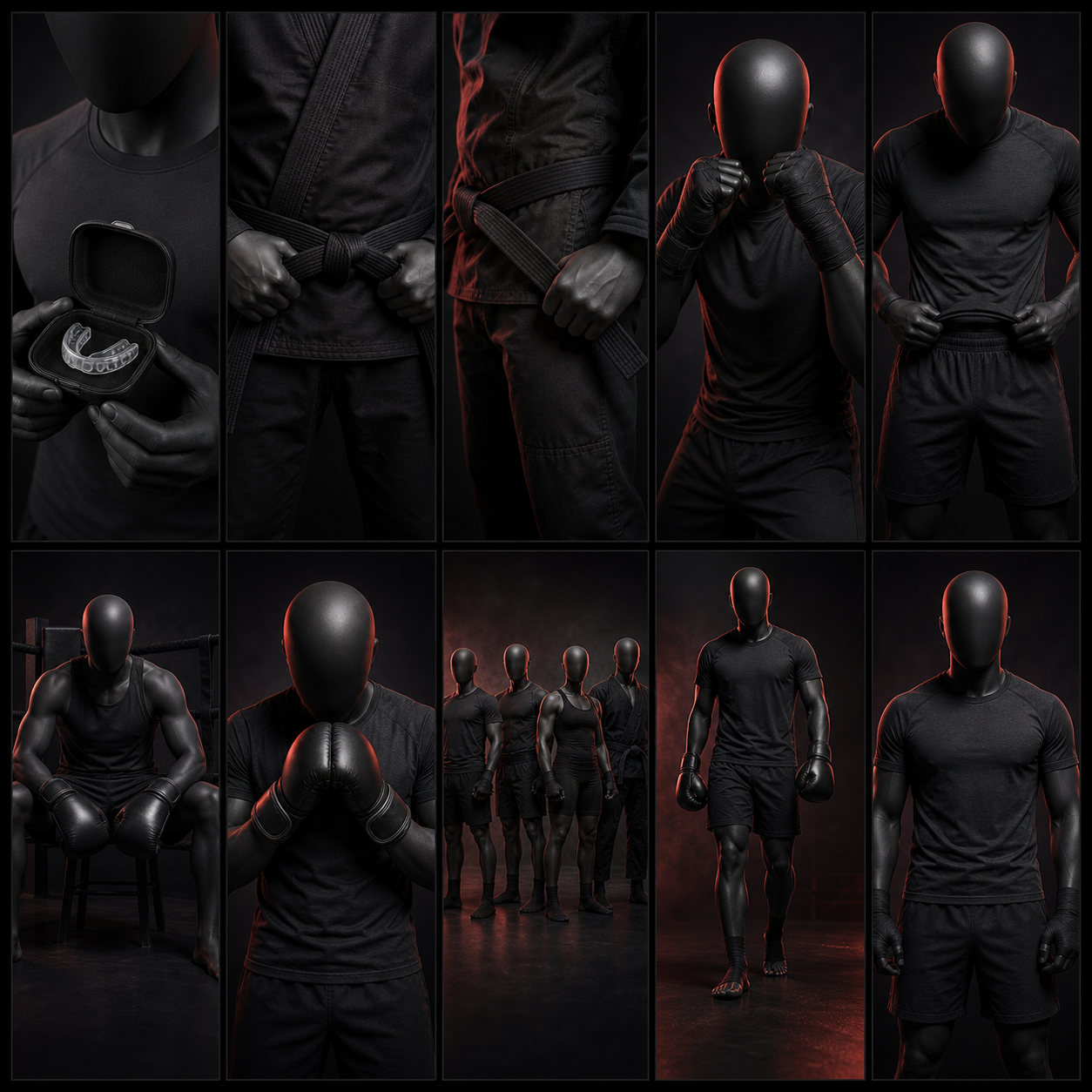
Pose sheets help teams judge how fit, sleeve art, torso graphics, and combat-sports styling read on a body before they choose marketplace or campaign images.
Yes. Ayzelify workflows can use uploaded product references or brand inputs to generate product-focused visuals for review.
Yes. Exporters can create product visuals, listing copy drafts, and structured catalog inputs for marketplaces such as Alibaba and eBay.
Use Ayzelify to generate product visuals, ecommerce content, and buyer-ready assets, then review every output before publishing.