Why this matters
One product photo can become a launch system when the workflow keeps product shape, fabric, color, and commercial details consistent.
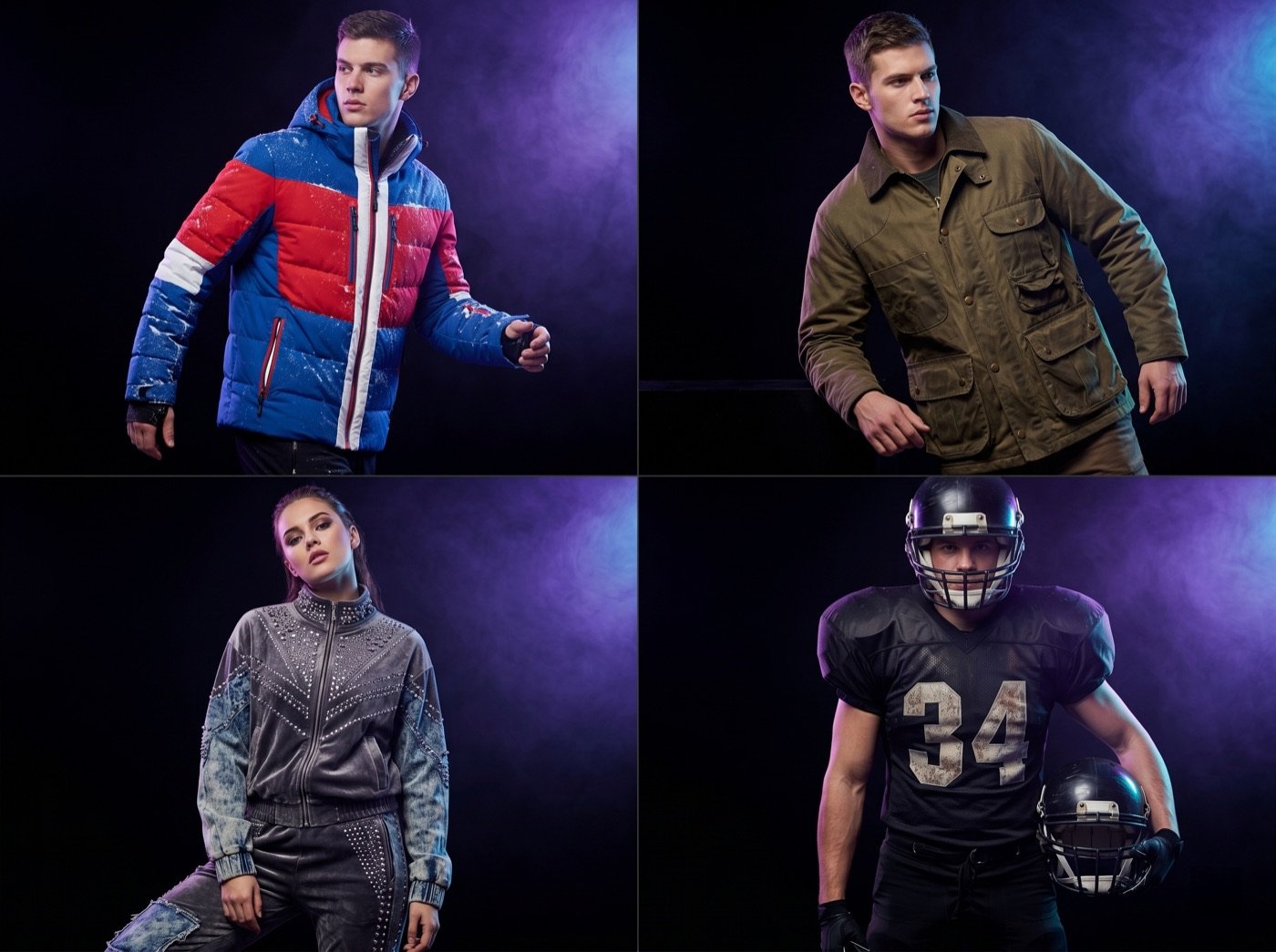
A useful launch asset stack normally includes catalog images, model or mannequin images, detail views, listing copy, SEO metadata, ad creatives, social posts, and production notes.
Ayzelify is built to help brands move from a single product input to coordinated assets for design, photoshoot, listing, advertising, and ecommerce publishing.
Every generated output should still be reviewed against the real sample, material, size, decoration method, and availability before publishing.
Practical guide
Start with the product facts behind the photo
The source photo is only one part of the launch brief. Before creating assets, record the product category, silhouette, material, color, decoration method, fit, size range, target buyer, selling channel, and anything that must not change.
This matters because image assets and listing copy must agree. If the product image suggests a heavyweight fleece hoodie but the description says lightweight jersey, the page loses buyer trust.
Build the inspection images first
Before lifestyle images or ads, create the buyer inspection set: hero, front, back, side, and detail views. These are the images that help customers understand shape, stitching, fabric, trims, print placement, and fit.
For ecommerce and B2B buyers, clarity is more important than drama. A clean product gallery reduces uncertainty before the buyer reaches the description, size chart, or inquiry form.
Add channel-specific assets after the core gallery
Once the product identity is stable, expand into model photos, ghost mannequin images, lifestyle scenes, marketplace thumbnails, ad creative, social posts, and product-page sections. Each channel has a different job.
The product page needs confidence. Ads need a clear hook. Social posts need context. Alibaba and B2B catalog pages need specifications, customization notes, and inquiry-friendly details.
Use AI content carefully, then review like a merchandiser
Google's guidance does not ban AI-assisted content. The important question is whether the content is helpful, reliable, and made for people. For product launches, that means specific descriptions, accurate claims, original examples, and content that helps buyers make a decision.
Treat Ayzelify as the launch production layer, not a replacement for review. Check the product facts, remove vague claims, and confirm that the generated images match the product you can actually sell or manufacture.
Common questions
Can one product photo really support a clothing launch?
One product photo can be enough to start a launch workflow when the team adds accurate product facts and reviews the generated output. The final launch still needs quality control before assets are published.
What assets should a clothing brand create before launch?
A practical launch kit should include product gallery images, detail views, model or mannequin images, listing copy, SEO metadata, FAQs, ad creatives, social captions, and technical or production notes.
Is this different from making random AI images?
Yes. The goal is not isolated images. The goal is a coordinated product launch system where every asset supports the same product, buyer, channel, and conversion goal.
Can Ayzelify create product images from uploaded references?
Yes. Ayzelify workflows can use uploaded product references or brand inputs to generate product-focused visuals for review.