Can Ayzelify create BJJ rashguard front and back concepts?
Yes. The workflow can be used to explore front, back, sleeve, and all-over print directions for review before production.
Product page
Generate no-gi rashguard concepts that show panel direction, graphics, colors, and fightwear styling clearly.
Generate no-gi rashguard concepts that show panel direction, graphics, colors, and fightwear styling clearly.
Start from a brand theme, academy colors, or buyer reference.
Explore front, back, sleeve, and all-over print directions.
Prepare visuals for review before sampling or listing creation.
Define the sleeve length, body and side-panel structure, neckline, fit direction, base colors, academy identity, sponsor hierarchy, and required front and back marks. This makes each concept easier to judge as fightwear rather than as a flat graphic.
If the design belongs to an academy or sponsored athlete, use only approved logos, names, symbols, and partner marks.
Check the chest, back, sleeves, shoulders, side panels, and lower body together. Artwork that looks balanced from the front can collide with seams or become unreadable on the back and sleeves.
Compare the rashguard alone and as part of a no-gi set. The shorts and top should share a controlled brand language without repeating every graphic at the same scale.
Before production, rebuild or approve the artwork at the required resolution, confirm color references, define print zones, account for seam and stretch distortion, and check the manufacturer template. Generated visuals do not replace the final production files.
Use the approved concept to guide the sample, then prepare catalog assets only after the physical product and branding details are confirmed.
Create front, back, sleeve, and side-panel rashguard directions around an academy or fightwear brand system. Compare no-gi concepts before sampling, then check every selected design for artwork ownership, sublimation feasibility, and construction accuracy.
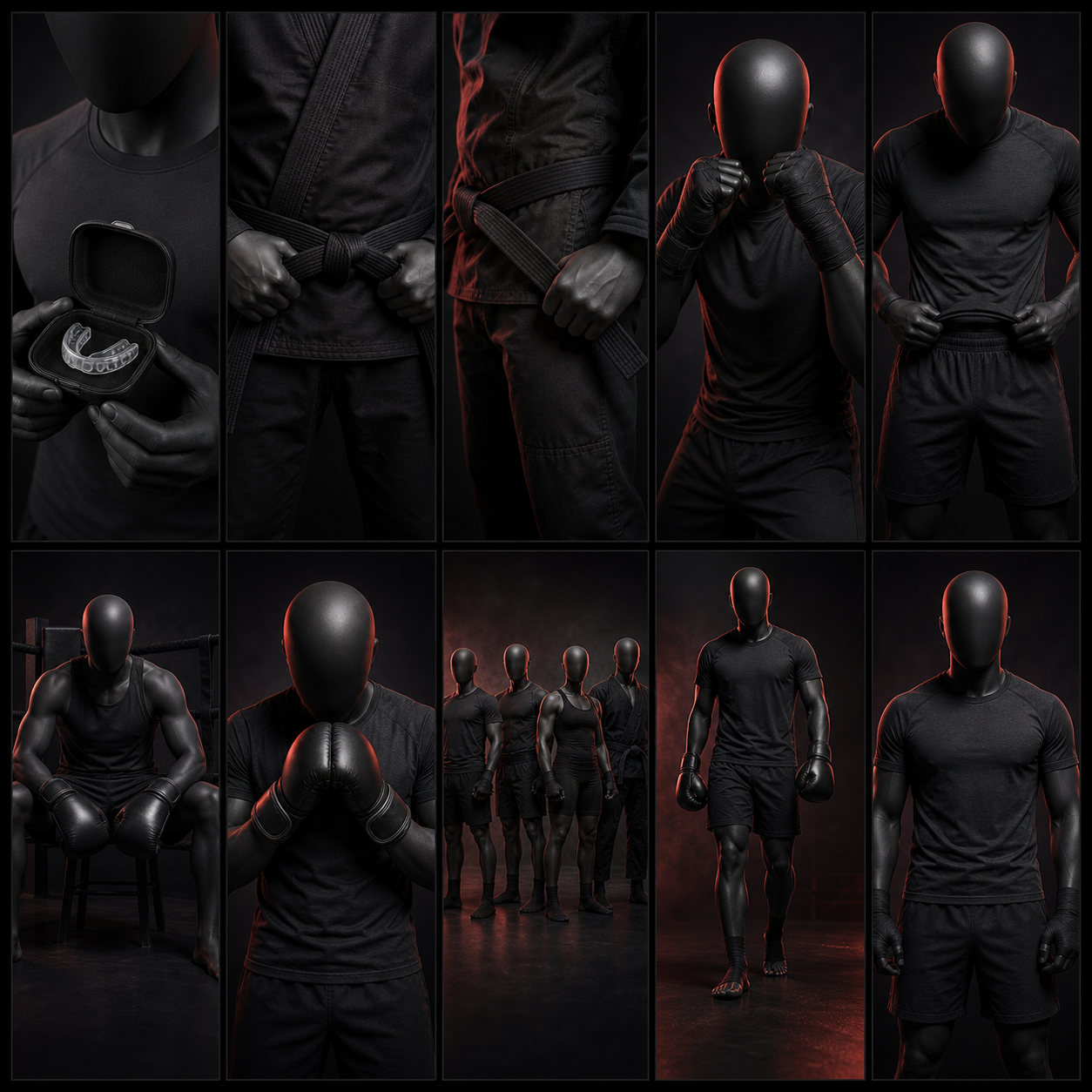
Yes. The workflow can be used to explore front, back, sleeve, and all-over print directions for review before production.
No. They should be treated as concept visuals until a designer or production team checks artwork scale, seams, sublimation setup, and print feasibility.
Yes. Ayzelify workflows can use uploaded product references or brand inputs to generate product-focused visuals for review.
Yes. Exporters can create product visuals, listing copy drafts, and structured catalog inputs for marketplaces such as Alibaba and eBay.
Use Ayzelify to generate product visuals, ecommerce content, and buyer-ready assets, then review every output before publishing.