Ayzelify home
Guide page
AI Product Photography for Exporters: Practical Workflow Guide
Exporters do not need one attractive product image. They need a complete, buyer-ready visual set: clean catalog views, detail shots, lifestyle or model photos, marketplace listing images, and product information that supports quotes, sampling, and bulk orders. This guide explains how apparel and product exporters can use Ayzelify to turn one product idea, reference image, logo, or sample photo into the visual assets needed for Alibaba, ecommerce stores, and buyer presentations.
Create exporter product photos
Why this matters
Export buyers judge product quality before they ever touch a sample. If the first image looks weak, inconsistent, poorly lit, or incomplete, the product can feel cheaper than it is. Strong AI product photography helps exporters show a cleaner catalog without waiting for every sample to be photographed in a studio.
Ayzelify is useful because it is built around product workflows, not one-off AI pictures. The goal is to create a reviewed asset set: front and back product views, side or detail shots, model or mannequin photos, marketplace-ready visuals, listing copy, and supporting production information.
Practical guide
Why exporters need a product image system
Most exporters lose trust when their product images look inconsistent. One photo may be on a factory table, another may be stretched, another may have a weak background, and the detail image may not show the buyer what matters. The product can be strong, but the presentation makes it feel unfinished.
A better workflow starts by treating product photography as a system. For each product, create a consistent gallery that answers buyer questions: what does it look like from the front, back, and side; what fabric or material details matter; how does it look on a model or mannequin; and what information does a marketplace or buyer need before asking for a quote?
The minimum visual set for an export product
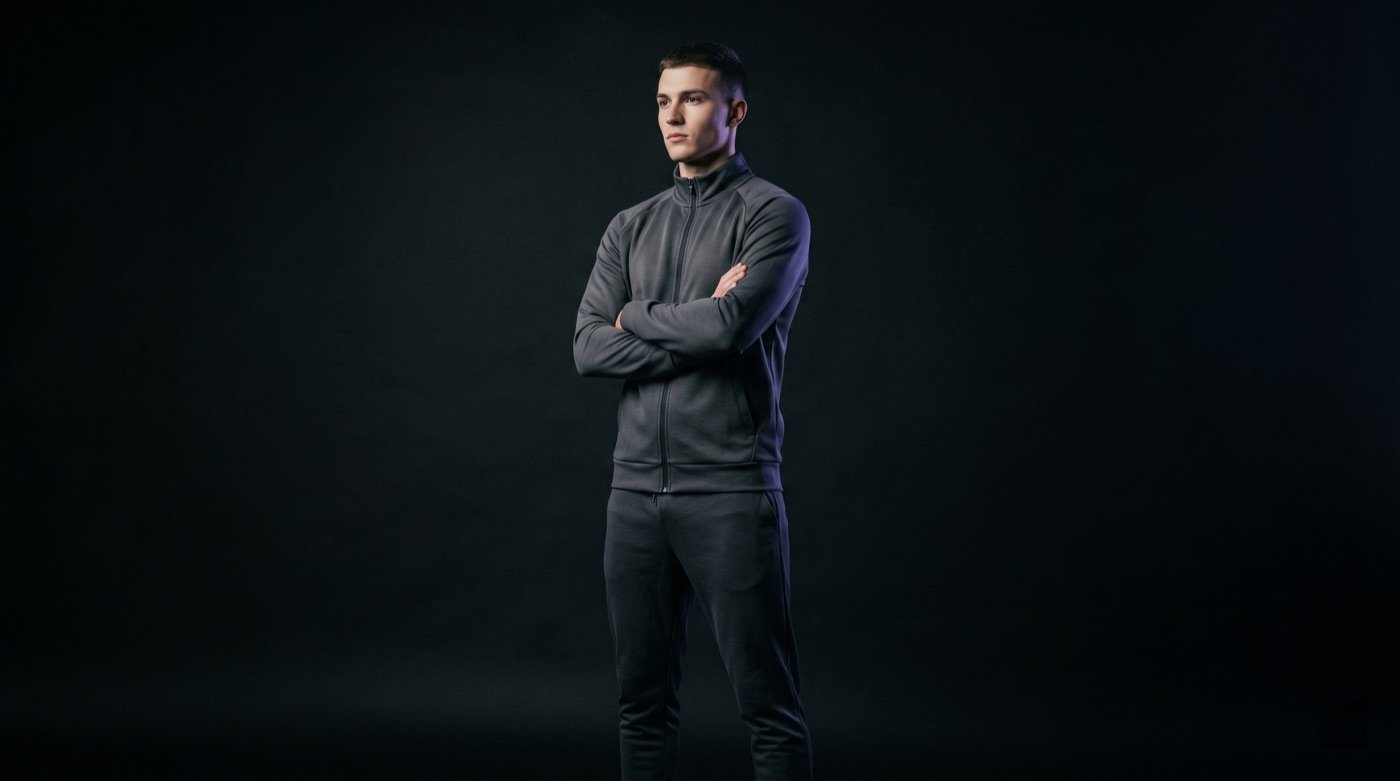
For apparel and sportswear, a practical visual set should include a clean hero image, front view, back view, side or three-quarter view, fabric or logo detail, and a fit image on a model or mannequin. For physical products such as bags, sports equipment, surgical instruments, and beauty tools, replace fit images with angle views, macro details, scale references, and specification visuals.
Alibaba and B2B buyers also need commercial context. They want to understand customization options, packaging, lead time, MOQ, materials, and whether the supplier can support repeat orders. Product photography should support those decisions instead of only looking decorative.
How Ayzelify fits the exporter workflow
Ayzelify can start from a product idea, category, reference photo, logo, fabric direction, or old product image. From there, exporters can generate product concepts, catalog-ready views, model or mannequin photoshoots, ghost mannequin images, listing copy, ad creatives, social posts, and tech-pack foundations.
The strongest use case is not replacing judgment. It is compressing the slow creative operations around a product. Instead of waiting for separate designers, photographers, retouchers, listing writers, and ad designers, an exporter can create a first buyer-ready asset stack, review it, and move faster.
What to review before publishing
AI-generated product visuals should be reviewed like any commercial asset. Check logo placement, colors, fabric texture, product proportions, trim details, stitching, model fit, and whether the image represents something the factory can actually produce.
For marketplace pages, also review product titles, keywords, attributes, descriptions, pricing guidance, MOQ, packaging, lead time, and shipping information. Strong AI-assisted content is useful because it gives your team a faster draft, but buyers still need accurate details.
The practical takeaway
Exporters should stop thinking of product photography as one image. A product needs a visual system that helps buyers compare, trust, and inquire. That system includes catalog views, detail images, model or mannequin presentation, marketplace visuals, and accurate supporting content.
Ayzelify gives apparel businesses and product exporters a faster way to build that system from one place: design it, shoot it, list it, advertise it, then review the final details before publishing.
Common questions
Can exporters use AI product photography for Alibaba listings?
Yes. Exporters can use AI-assisted product photography to create clean product views, detail images, lifestyle visuals, and listing assets. The important step is review: product specifications, materials, MOQ, packaging, lead time, and certifications should be checked before publishing.
What images should an exporter create for one product?
A strong set usually includes a hero image, front view, back view, side or three-quarter view, detail closeup, lifestyle or model image, and a size or specification image when relevant.
Is Ayzelify different from a generic AI image generator?
Ayzelify is built for product workflows. It connects product design, photoshoots, ghost mannequin images, listing content, ad creatives, tech packs, and marketplace outputs instead of stopping at one standalone image.
Can Ayzelify create product images from uploaded references?
Yes. Ayzelify workflows can use uploaded product references or brand inputs to generate product-focused visuals for review.