Ayzelify home

Guide page

AI for Streetwear Brands: Drop Planning Without a Full Studio

Streetwear moves on timing, taste, and proof. A founder may have a logo, a hoodie idea, a print direction, or a loose drop theme, but still needs product concepts, colorways, model images, social launch visuals, product-page copy, ad angles, and production notes before spending on samples or a full studio shoot. This guide shows how streetwear brands can use Ayzelify to turn a trend or idea into a reviewed launch asset stack without rebuilding the same brief across separate tools.

Plan a streetwear drop

Short answer

Streetwear brands can plan a drop without a full studio by turning the product idea, fit direction, graphics, colorways, model context, listing copy, ads, and production notes into one reviewed workflow before sampling or launch.

Why this matters

A streetwear drop should start with product truth: silhouette, fit, fabric direction, graphic placement, trims, colorways, buyer mood, channel, and production constraints. The visuals should support those decisions instead of replacing them.

Ayzelify helps streetwear teams create concept families, front and back views, detail images, model or mannequin photoshoots, UGC-style frames, product-page copy, ad hooks, social captions, and starter production notes from one product brief.

The strongest AI workflow is not one dramatic image. It is a sequence: define the drop, compare product directions, approve a visual lane, generate a commercial image set, write the listing, prepare launch content, and review production feasibility.

Streetwear founders should avoid unsupported claims and fake proof. Generated visuals can help decide direction and sell the idea, but material weight, print method, fit, measurements, delivery dates, and production details still need human or supplier review.

For SEO and answer engines, the blog and product page should answer buyer questions clearly: what the product is, who it is for, what the visual set includes, what still needs sampling, and which internal pages help the visitor take the next action.

Workflow

  1. Write the drop brief: target customer, season, fit, silhouette, product categories, garment color, graphic mood, logo treatment, price position, sales channel, and launch deadline.
  2. Generate several streetwear concept routes in Ayzelify, such as minimal logo basics, bold graphic hero pieces, oversized fleece, cargos, varsity-inspired pieces, or monochrome capsule directions.
  3. Select one product direction and create the commercial view set: front, back, angle, detail, graphic close-up, styled model image, and social-ready launch crop.
  4. Use Photoshoot Studio or saved mannequin/model workflows to test fit energy, styling, scale, pose, campaign mood, and product-page image order before booking a physical shoot.
  5. Turn the same reviewed facts into ecommerce listing content, alt text hints, FAQ answers, ad hooks, launch captions, email copy, and buyer-facing product notes.
  6. Create a production review pass: confirm logo fidelity, print or embroidery method, fabric availability, size range, trims, wash, packaging, sample requirements, and which visuals are concept-only versus confirmed product assets.

Outputs

  • streetwear drop concept board and product direction notes
  • hoodie, tee, cargos, jacket, or capsule colorway options
  • front, back, detail, model, lifestyle, and social-ready image plan
  • product page title, description, FAQ, and alt text direction
  • ad hooks, launch captions, creator-style content prompts, and email angles
  • sampling review notes for fabric, fit, artwork, trims, and packaging
  • internal content plan linking the drop to product, industry, photoshoot, listing, and tech-pack workflows

Product workflow fit

  • Built for small streetwear teams that need launch proof before investing in models, photographers, sets, samples, or full campaign production.
  • Connects Ayzelify Collection Studio, Photoshoot Studio, Listing Generator, Marketing Forge, Brand Studio, and tech-pack review workflows around one drop brief.
  • Supports product-led planning: concepts, product views, campaign assets, listing copy, social content, and production checks stay attached to the same approved product direction.
  • Uses existing raster product and workflow assets, descriptive alt text, FAQ content, internal links, canonical routing, sitemap updates, and llms.txt inclusion for SEO/GEO readiness.
  • A founder with a logo and hoodie idea compares three colorways, a chest mark versus back graphic, model images, product-page copy, and Instagram launch hooks before sampling.
  • A small streetwear label plans a four-piece capsule with hoodie, tee, cargos, and varsity jacket visuals, then decides which pieces deserve production budget.
  • A Shopify seller refreshes an older drop with cleaner catalog images, better lifestyle visuals, stronger product copy, and social ads from the same product facts.
  • A Sialkot supplier creates buyer-ready streetwear mockups and listing notes for a private-label customer without booking a studio shoot for every early concept.
  • A merch team tests campaign energy for oversized fleece, graphic tees, and black streetwear staples before locking artwork files and sample requests.
  • Confirm the product category, silhouette, fabric direction, fit, colorway, print or embroidery method, trim details, packaging, and channel before publishing the product page.
  • Treat generated images as concept, launch-planning, or campaign assets until the real sample, fabric, measurements, and production method are reviewed.
  • Check logo and artwork fidelity carefully. If a mark cannot be preserved, revise the generation or disclose the limitation instead of pretending the visual is final proof.
  • Make sure product photos, model images, listing copy, ad claims, social captions, size notes, and production notes describe the same garment version.
  • Avoid fake scarcity, fake reviews, unsupported sustainability claims, invented fabric specs, unrealistic delivery promises, or images that imply a finished sample when the product is still in planning.
  • Review mobile page readability, image loading, internal links, canonical URL, FAQ usefulness, and buyer next steps before pushing the guide live.

Practical guide

Start with a drop brief that can survive production review

A streetwear idea often begins as a mood, logo, phrase, color, or reference. That is enough to start, but it is not enough to launch. The brief should describe the garment category, fit, fabric direction, graphic method, logo placement, colorway, buyer, channel, and what must be checked before sampling.

In Ayzelify, keep those details in one product brief before generating. A founder can test oversized hoodie directions, graphic tees, cargos, black streetwear staples, and capsule colorways while preserving the same buyer and brand context.

Compare concept routes before choosing the hero product

A full studio shoot is expensive when the team has not chosen the product lane. Use AI concepting to compare minimal logo pieces, bold back graphics, heavyweight fleece, graphic tees, cargos, varsity jackets, garment-wash directions, and monochrome capsule options before the physical sample budget is committed.

The goal is not to make unlimited random images. The goal is to narrow the drop into one commercial direction: the pieces that fit the brand, the visuals that explain the product, and the details that a manufacturer can actually review.

Build product views before campaign mood takes over

Streetwear campaigns need attitude, but product pages still need inspection. Create the front, back, angle, detail, print close-up, trim view, and styled fit image before building the social and ad set. Those views answer the practical questions buyers ask before checkout or wholesale enquiry.

This order protects consistency. If the model image, product copy, ad creative, and social caption all come from the same reviewed product facts, the drop feels deliberate instead of stitched together from unrelated experiments.

Use photoshoot assets to test fit, scale, and attitude

Model and lifestyle images help the buyer imagine the garment in an outfit. For streetwear, that can mean posture, proportion, layering, back graphic reveal, seated fit, movement, close-up texture, or a social crop that carries the drop energy.

Ayzelify can help create photoshoot directions from the selected concept before the brand books a shoot. Use those visuals to brief the real photographer later, test product-page sequence, or produce early launch assets when the team is still validating the drop.

Turn the same product facts into listings, ads, and social posts

After the product direction is approved, the commercial layer should come from the same facts: title, fit, materials, decoration method, care notes, size guidance, product story, FAQ, ad hook, creator-style caption, and alt text direction. This makes the launch easier to inspect and easier to improve.

Ayzelify is useful here because the workflow does not stop at the image. Listing Generator, Marketing Forge, Brand Studio, and tech-pack review notes can reuse the same product context, which keeps the launch, product page, and production handoff aligned.

Review what is concept-only before presenting the drop

Generated visuals should not become fake production proof. Before a brand publishes, wholesales, or sends assets to a buyer, review material claims, print method, logo fidelity, sample status, measurements, packaging, shipping promises, and whether each image represents a concept, approved sample, or final product.

This review step protects trust. It lets founders move fast without pretending every generated asset is a finished garment, and it gives manufacturers a cleaner brief when the drop is ready for real sampling.

Plan the streetwear drop before paying for the studio

Ayzelify helps streetwear founders turn a logo, trend, hoodie idea, or capsule concept into product visuals, model photos, launch copy, ads, social content, and production review notes before the full photoshoot or sample run.

  1. Add the drop idea, target buyer, fit, fabric direction, color palette, logo treatment, product categories, and campaign mood.
  2. Generate and compare product directions, then select one reviewed lane for front/back/detail views and photoshoot assets.
  3. Create listing copy, ad hooks, social captions, and production review notes from the same product facts so the launch stack stays coherent.
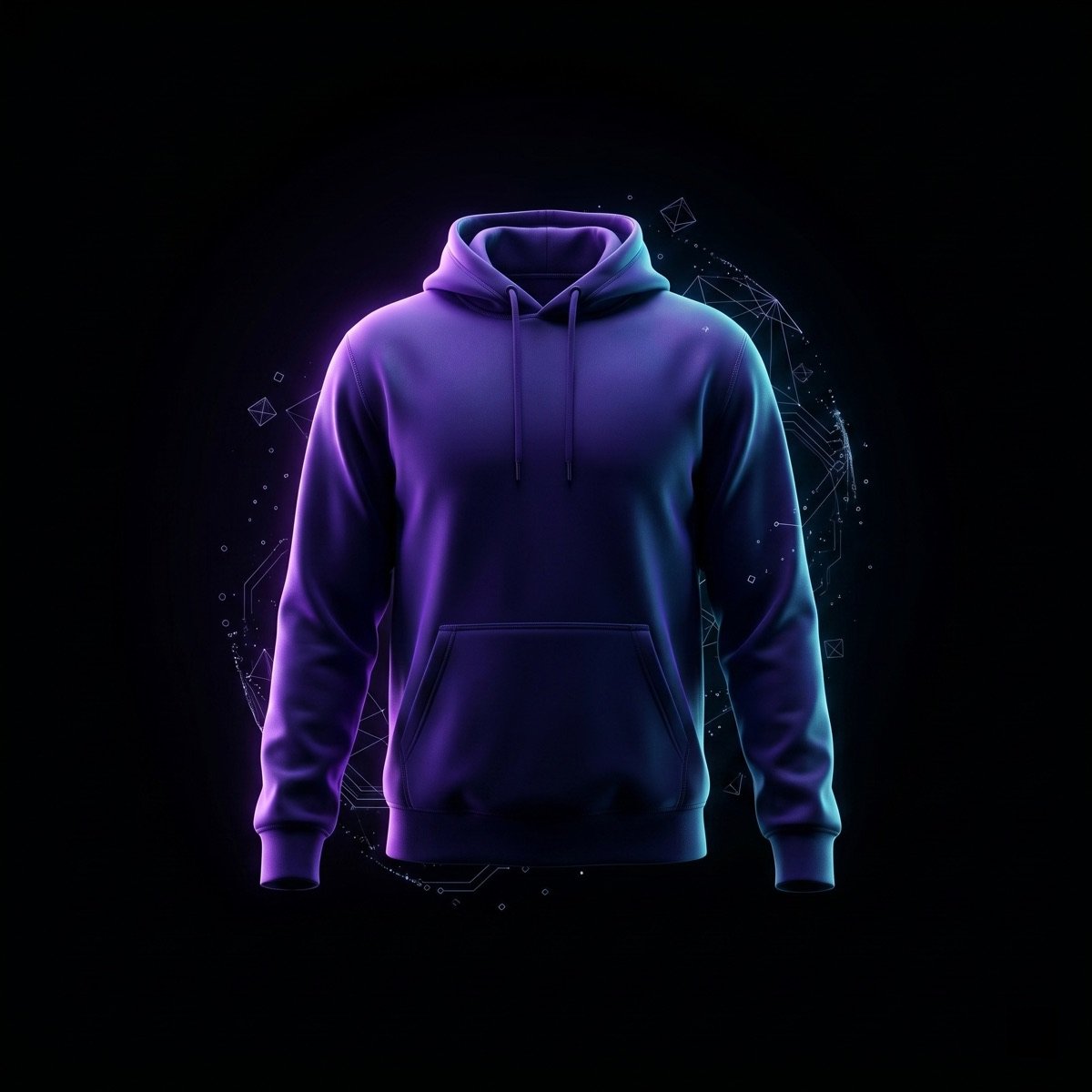
Ayzelify streetwear hoodie concept workflow for drop planning
A streetwear drop becomes stronger when concept, product views, campaign images, listing copy, and sampling review stay tied to one product brief.

Common questions

How can a streetwear brand plan a drop without a full studio shoot?

Start with a clear product brief, then create concept directions, product views, model or mannequin images, listing copy, ad hooks, social captions, and production review notes before paying for samples, models, photographers, or campaign sets.

What should be included in a streetwear drop asset stack?

A useful drop stack includes concept boards, colorways, front and back views, detail images, fit or model visuals, social launch crops, product-page copy, FAQ answers, ad hooks, alt text direction, and sampling or production review notes.

Can AI replace a real streetwear photoshoot?

AI can help plan, test, and create launch-ready visual directions, but the brand should still review real samples, measurements, fabrics, print methods, and final product truth before presenting images as final production proof.

Why is Ayzelify useful for streetwear founders?

Ayzelify is useful because it connects concept generation, apparel photoshoots, listing copy, ad creative, social content, and tech-pack review workflows around the same product direction instead of stopping at one isolated image.
Create product assets with Ayzelify

Use Ayzelify to generate product visuals, ecommerce content, and buyer-ready assets, then review every output before publishing.

Plan a streetwear drop