Case study page

Sample to Alibaba listing workflow

This workflow proof shows how an exporter or manufacturer can move from a physical sample photo toward a structured Alibaba listing review pack inside Ayzelify.

Generate Alibaba listing assets

Short answer

Upload a sample reference, generate Alibaba-oriented visuals and listing fields, review specs and trade details, then export only the information that the team can support.

Why this matters

Alibaba listings need more than a product name and a photo. Buyers scan for clear images, customization options, product specifications, MOQ logic, packing details, lead-time context, and answers to common sourcing questions.

Ayzelify gives export teams a single workspace for listing visuals and B2B listing drafts so the product manager can review the page before anything goes live.

This case study is framed as a repeatable workflow proof. It does not claim buyer ranking, inquiries, or sales outcomes because those depend on product quality, pricing, account trust, traffic, and platform execution.

Workflow

  1. Upload the sample photo and enter accurate product, material, origin, branding, and customization notes.
  2. Generate Alibaba-focused product images and visual angles for listing review.
  3. Draft product title, keywords, attributes, specs, MOQ notes, packaging, lead time, and FAQ content.
  4. Review every generated field against factory capability and buyer-facing truth.
  5. Prepare approved content for Alibaba listing creation or bulk-upload workflows.

Outputs

  • Alibaba product title and keyword draft
  • B2B product description and FAQ draft
  • product image set for listing review
  • specification and attribute checklist
  • bulk-upload preparation assets

Product workflow fit

  • The workflow connects visuals, specs, copy, and FAQs instead of treating Alibaba listing work as only writing.
  • Review steps are built around exporter accuracy, not inflated marketplace claims.
  • Teams can use the output as a preparation pack before final Alibaba publishing.
  • New Alibaba listing preparation for a sample product
  • Exporter catalog cleanup before buyer outreach
  • Manufacturer listing review before bulk upload
  • Verify product attributes, materials, dimensions, MOQ, packaging, and lead times before publishing.
  • Remove unsupported certifications, capacity claims, buyer names, or pricing promises.
  • Confirm that every visual represents an actual product option the factory can supply.

Prepare Alibaba listings with reviewable assets

Use Ayzelify to generate structured listing drafts and product visuals, then have your export team approve only the details it can confidently support.
  1. Add sample reference
  2. Generate Alibaba assets
  3. Review specs and trade details
  4. Prepare listing or bulk-upload files
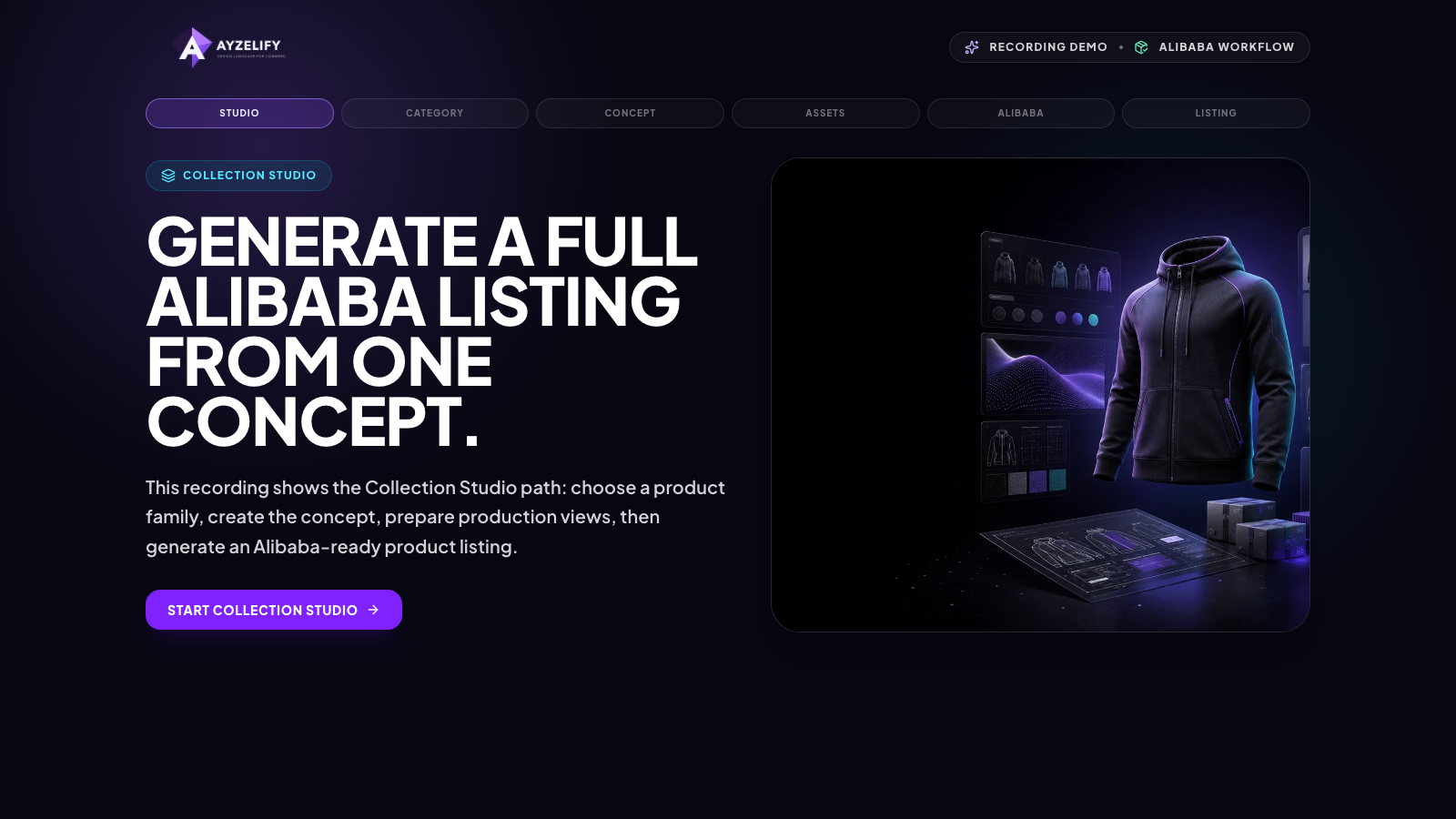
Ayzelify Alibaba listing workflow proof showing generated listing preparation assets
Ayzelify can organize product visuals, B2B copy, specs, and review checkpoints for Alibaba listing preparation.

Common questions

Does Ayzelify publish directly to Alibaba?

This page describes listing preparation. Teams should review generated visuals, copy, specs, and trade details before entering or uploading content to Alibaba.

Can Ayzelify invent missing Alibaba specifications?

No. Ayzelify can draft structure and wording, but the exporter must provide or verify real product specifications before publishing.

Can Ayzelify create product images from uploaded references?

Yes. Ayzelify workflows can use uploaded product references or brand inputs to generate product-focused visuals for review.

Can exporters use Ayzelify for marketplace listings?

Yes. Exporters can create product visuals, listing copy drafts, and structured catalog inputs for marketplaces such as Alibaba and eBay.

Create product assets with Ayzelify

Use Ayzelify to generate product visuals, ecommerce content, and buyer-ready assets, then review every output before publishing.

Generate Alibaba listing assets