What is the full Ayzelify workflow?
The workflow is to define the product, create or refine design visuals, build product and lifestyle images, generate listing content, review accuracy, and adapt approved assets into ads and launch materials.
Guide page
Ayzelify is most useful when teams treat it as a connected commerce workflow instead of a one-off image prompt box. A product can move from design direction to photoshoot visuals, from photoshoot visuals to listings, and from listings to campaign creatives with the same product context guiding each step. That matters for apparel brands, exporters, ecommerce teams, and marketplace sellers because the buyer sees the whole story: what the product is, how it looks, what details matter, why it fits the offer, and where to take action.
The Ayzelify workflow is to design the product direction, create product and lifestyle visuals, generate listing content, review product truth, and turn the approved assets into ad creatives and launch materials for the right channels.
Design it: start with product category, audience, brand direction, colorways, references, and constraints so the concept has commercial intent.
Shoot it: create product, model-style, lifestyle, detail, and catalog visuals that help buyers inspect the item before they ask questions or place an order.
List it: turn product facts, visuals, variants, and buyer objections into listing copy, feature bullets, specifications, and marketplace-ready content.
Advertise it: adapt the approved product assets into banners, ad creatives, social posts, and campaign visuals while keeping product truth and human review in the loop.
A product concept is stronger when it is shaped by audience, category, price position, materials, colorways, and where the product will be sold.
Ayzelify helps teams move from loose product direction into visual concepts that can be reviewed for commercial use instead of remaining as isolated inspiration.
Product images and listing copy should support each other. If the visual shows a detail, the listing should explain it; if the listing mentions a feature, the image stack should help buyers inspect it.
This is where connected workflow matters: product references, variants, specifications, and buyer questions can guide both the photoshoot stack and the listing draft.
Ad creatives should come after the product story is clear. Otherwise the campaign may promote a visual, claim, or variant that does not match the actual buying page.
Ayzelify helps teams adapt approved assets into banners and campaign concepts, while final review protects product truth, brand trust, and channel readiness.
Ayzelify helps product teams move through the full commerce asset workflow with product design, photoshoot generation, listing content, campaign creatives, and human review in one connected system.
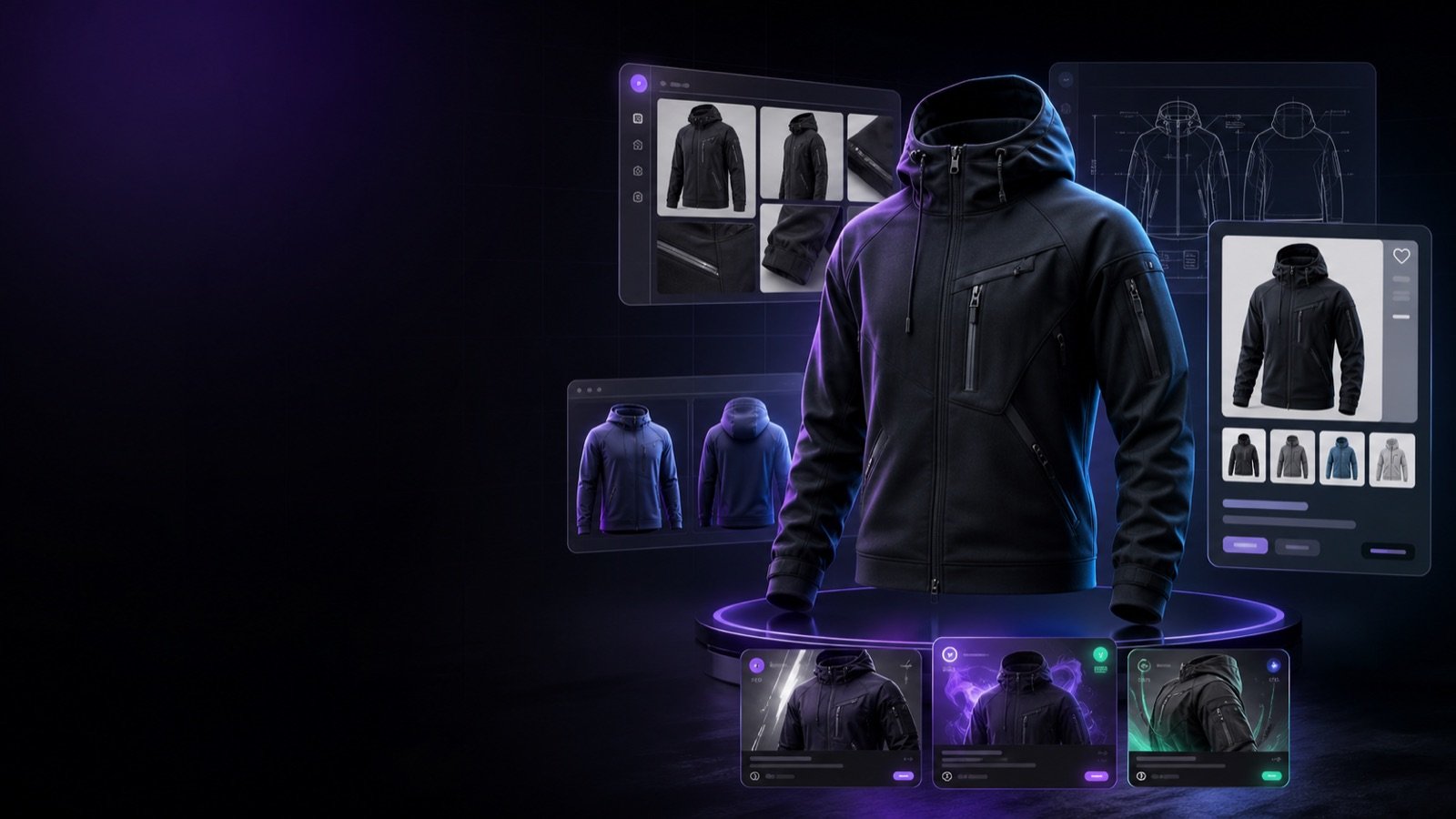
The workflow is to define the product, create or refine design visuals, build product and lifestyle images, generate listing content, review accuracy, and adapt approved assets into ads and launch materials.
It is for apparel brands, exporters, ecommerce sellers, marketplace teams, product marketers, and founders who need connected product visuals, listings, and campaign assets.
The workflow is designed for faster asset creation, but final publishing should still include human review for product accuracy, claims, brand rules, channel requirements, and production constraints.
Yes. Ayzelify workflows can use uploaded product references or brand inputs to generate product-focused visuals for review.
Use Ayzelify to generate product visuals, ecommerce content, and buyer-ready assets, then review every output before publishing.