Why this matters
Google's product structured data guidance explains that product pages can be understood more richly when product information is structured clearly. For exporters, the practical takeaway is simple: product pages should make names, images, descriptions, offers, availability, shipping, and supporting details easy for both buyers and search systems to understand.
A strong exporter product page should answer sourcing questions before the buyer opens WhatsApp or sends an RFQ. The page should clarify what the product is, who it is for, what can be customized, what materials are available, and what the buyer should review before placing a sample or bulk order.
Practical guide
Start with buyer questions, not factory shorthand
Many exporter product pages are written like internal catalog entries. They mention a product type, maybe a fabric, and a few generic claims. Buyers need more. They want to know what the product is used for, what can be customized, whether the factory understands the category, and what information is needed before a quote.
A better page starts with the buyer's sourcing context. A teamwear buyer needs fabric, sublimation, sponsor placement, size range, MOQ, and colorway options. A streetwear buyer needs silhouette, material weight, print method, fit, labels, packaging, and campaign visuals. The page should make these answers visible.
Build the image gallery before final copy
The product gallery shapes how a buyer reads the page. Start with a clean hero image, then show front, back, side, and detail views. Add model, mannequin, lifestyle, size chart, or spec visuals when they help the buyer understand fit, scale, fabric, or customization.
For exporters, consistency matters more than decoration. If every image uses a different background, crop, lighting style, and color tone, the product feels less reliable. Ayzelify helps create image sets around the same product direction so the gallery feels planned.
Write product copy that supports an RFQ
Exporter product copy should reduce back-and-forth. Include the product use case, material options, stitching or construction notes, logo and decoration methods, color customization, size range, packaging, sample availability, MOQ, lead time, and buyer review notes.
Avoid empty phrases like premium quality and hot sale unless they are supported by specific details. Replace them with facts a buyer can evaluate: GSM, fabric composition, collar type, closure, reinforcement, print method, lining, pocket structure, finish, packing unit, and sample timeline.
Make the page search-friendly without keyword stuffing
Google's helpful content guidance is clear that content should be made for people, not primarily to manipulate rankings. For exporter pages, that means clear product descriptions, accurate product facts, useful headings, meaningful image alt text, and internal links that help buyers move to related services or categories.
When the website supports product structured data, keep the underlying product facts clean: name, images, description, offers, availability, shipping or return details where applicable. Do not fake reviews, ratings, prices, certifications, or availability to make the page look richer.
Use Ayzelify to create the first product page draft
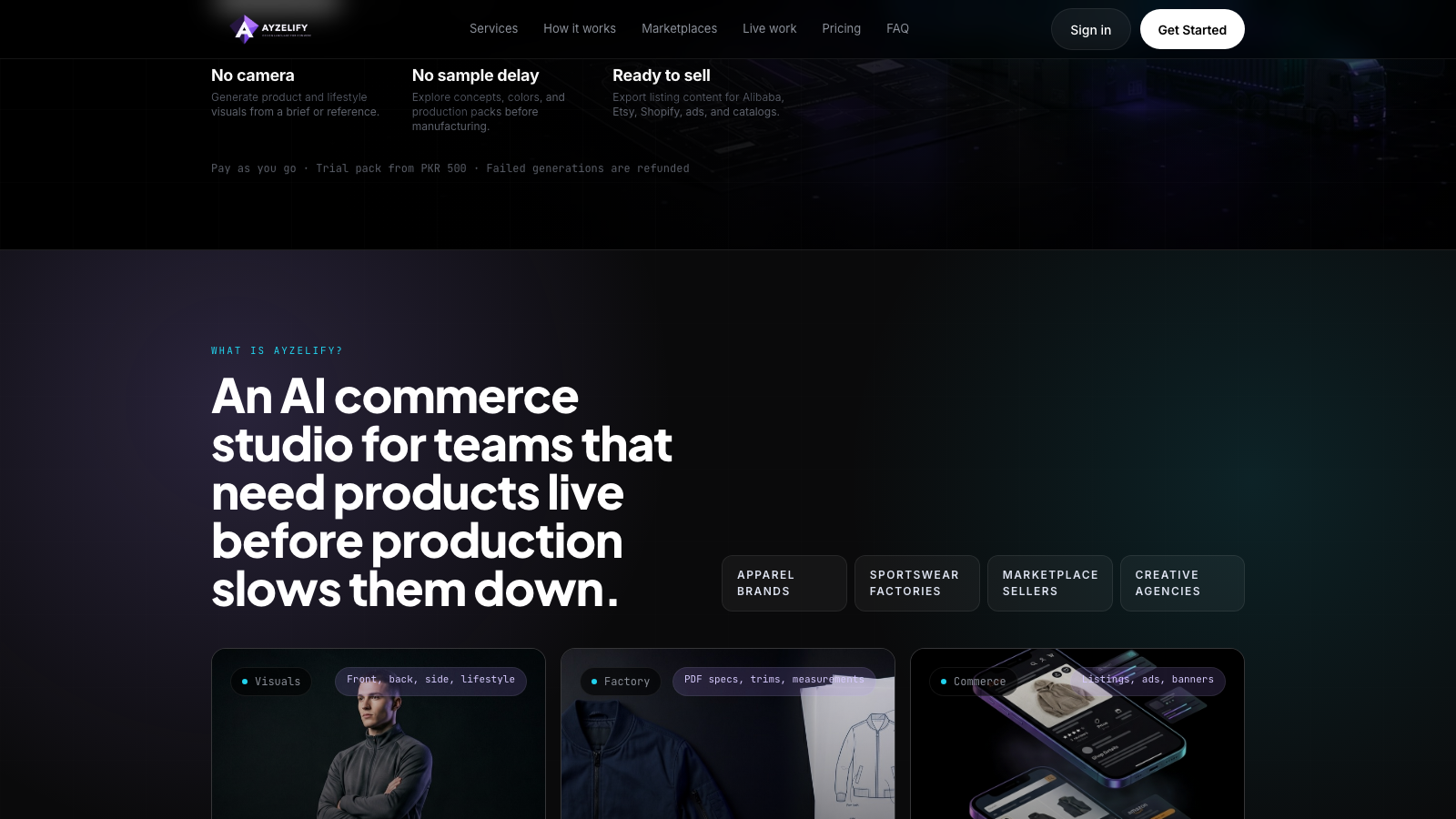
Ayzelify can help turn a product idea, sample photo, reference image, category, logo, or old catalog asset into the content stack around a product page. That includes product concepts, catalog views, model or mannequin images, listing copy, ad creatives, social posts, and tech-pack foundations.
The practical workflow is simple: generate the assets faster, then review the final facts. The exporter still owns the accuracy of material claims, measurements, MOQ, pricing guidance, lead times, and production feasibility.
Final product page checklist
Before publishing, check the page like a buyer would. Does the first screen explain the product clearly? Does the gallery answer front, back, side, detail, and fit questions? Are materials, customization, MOQ, lead time, packaging, and sample details specific enough?
The page does not need to be long to be effective. It needs to be complete, accurate, visually consistent, and easy to scan. That is what turns a product page from a simple catalog item into a buyer-ready sales asset.
Common questions
What should apparel exporters include on a product page?
A strong apparel export product page should include a clear product name, image gallery, material details, construction notes, customization options, sizes, MOQ, sample policy, lead time, packaging, buyer-focused FAQs, and accurate contact or inquiry steps.
How many images should an apparel product page use?
Most apparel pages need more than one image. Prepare a hero image, front view, back view, side or angle view, fabric/detail closeup, model or mannequin image, and a size or specification visual when relevant.
Can Ayzelify help create product page content?
Ayzelify can generate product visuals, listing drafts, key features, specifications, FAQs, ad creatives, and supporting launch assets. Exporters should review every claim and product detail before publishing.
Can Ayzelify create product images from uploaded references?
Yes. Ayzelify workflows can use uploaded product references or brand inputs to generate product-focused visuals for review.