How can small surgical or beauty tools look more premium online?
Use clear hero images, macro detail shots, scale references, finish or engraving close-ups, packaging context, and concise product specifications that match the real item.
Guide page
Small tools can look ordinary online when the listing only shows a flat product image and a short description. Beauty and surgical instruments need sharper presentation because buyers often evaluate finish, shape, scale, engraving, edge detail, packaging, and specification clarity from a screen. A premium listing does not mean making unsupported claims. It means presenting the tool cleanly, showing macro detail, explaining use context carefully, and keeping product facts accurate. Ayzelify helps exporters create reviewable product visuals, listing copy, and specification blocks for small instrument catalogs.
Small beauty and surgical tools look more premium online when listings show clean product photos, macro details, scale cues, engraving or finish close-ups, clear specifications, packaging context, and accurate copy reviewed against real product facts.
Small tools need macro detail, scale, engraving, finish, and clean specifications because buyers cannot judge those qualities from a weak single image.
A premium listing should show the product clearly without inventing certification, performance, medical, or compliance claims that the exporter cannot support.
Ayzelify helps surgical and beauty exporters create listing visuals, product descriptions, feature bullets, macro-shot directions, and review checklists for small tools.
The final listing should be checked against actual product specs, materials, sizes, packaging, available variants, and marketplace or buyer requirements.
A buyer looking at scissors, tweezers, forceps, or beauty tools often needs to inspect details that a normal product image misses: tips, edges, finish, size, shape, engraving, and packaging.
A premium listing uses images and copy to make those details easier to understand without exaggerating what the product is.
Visual polish only works when the facts are clear. Dimensions, material wording, finish, handle style, tip shape, packaging, and available variants should be written in a consistent structure.
For surgical and beauty exporters, this also means avoiding claims that belong in legal, regulatory, or buyer-specific documentation unless they are verified.
A catalog of small tools becomes easier to manage when every listing follows a similar structure: hero image, macro details, scale cue, specifications, packaging, and buyer-facing feature bullets.
Ayzelify helps teams draft that structure faster, then review each product against the real item before publishing.
Ayzelify helps surgical and beauty exporters create reviewable listing visuals, macro-shot directions, specification blocks, and buyer-ready copy for small product catalogs.
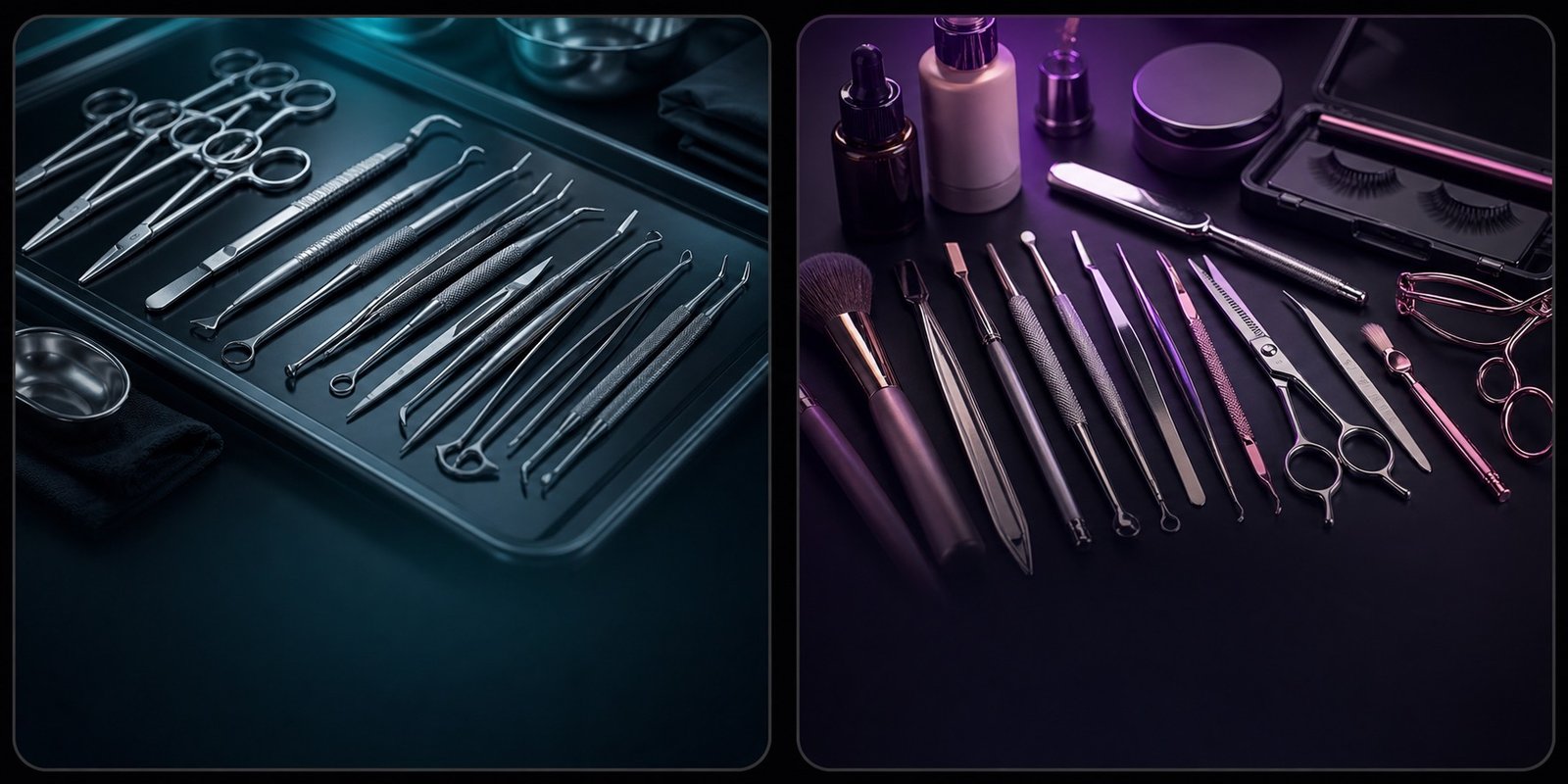
Use clear hero images, macro detail shots, scale references, finish or engraving close-ups, packaging context, and concise product specifications that match the real item.
Avoid unsupported medical, sterile, safety, certification, regulatory, or performance claims unless the business has current documentation and approval to use them.
Ayzelify can help create reviewable listing copy, image directions, macro-shot ideas, feature bullets, and specification blocks for small tools, with human review before publishing.
Yes. Ayzelify workflows can use uploaded product references or brand inputs to generate product-focused visuals for review.
Use Ayzelify to generate product visuals, ecommerce content, and buyer-ready assets, then review every output before publishing.